Setup and Calibration 4-17
January 2008
Other Opt Menu Options In addition to the User Menu described in the previous section, the
Opt Menu includes the following options:
• Lock Menus
• Lock All
• Versions
Proceed to the appropriate section for a discussion of these options.
Lock Menus To protect the User Program from unauthorized modifications,
password protection may be reinstated. To accomplish this, access the
main menu as described on page 3-4, and proceed as follows:
Note: If the meter is powered down, the password protection is in
effect by default when the meter is powered up.
Note: “User” and “Versions” menu options are also available above.
To program another meter function, proceed to the appropriate
section of this chapter.
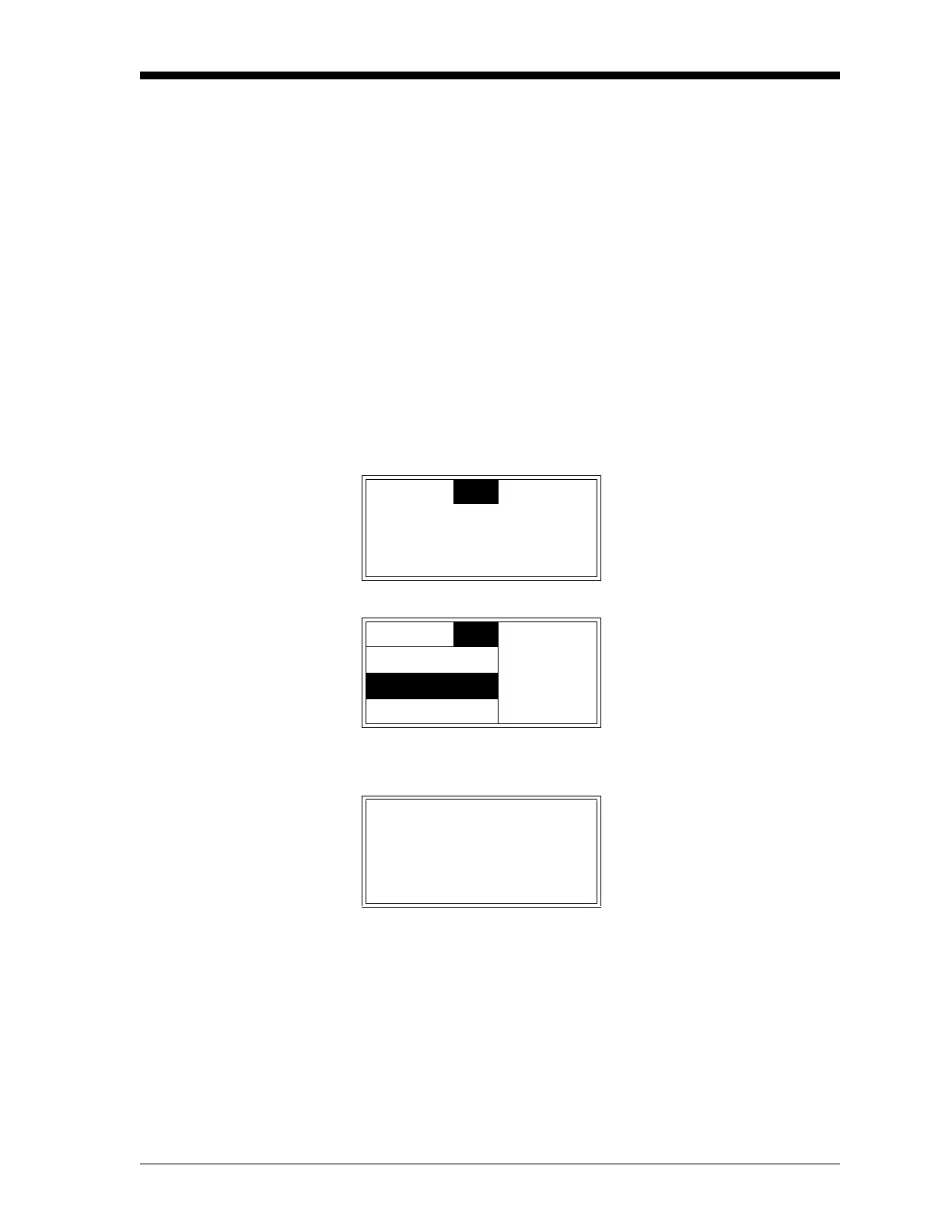
Cal
Opt
Disp Use the [W] and [X] keys to
select
[Opt] and press [ENTER].
Cal
Opt
Disp Use the [S] and [T] keys to
select
[Lock Menus] and press
[ENTER].
Lock Menus
Lock All
1 H2/AIR ±
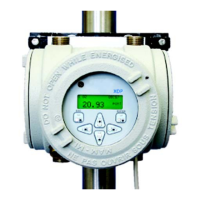
The meter returns directly to
run mode, with the padlock
icon indicating that the User
Program is now locked.
91.52
pcnt


 To Next Page