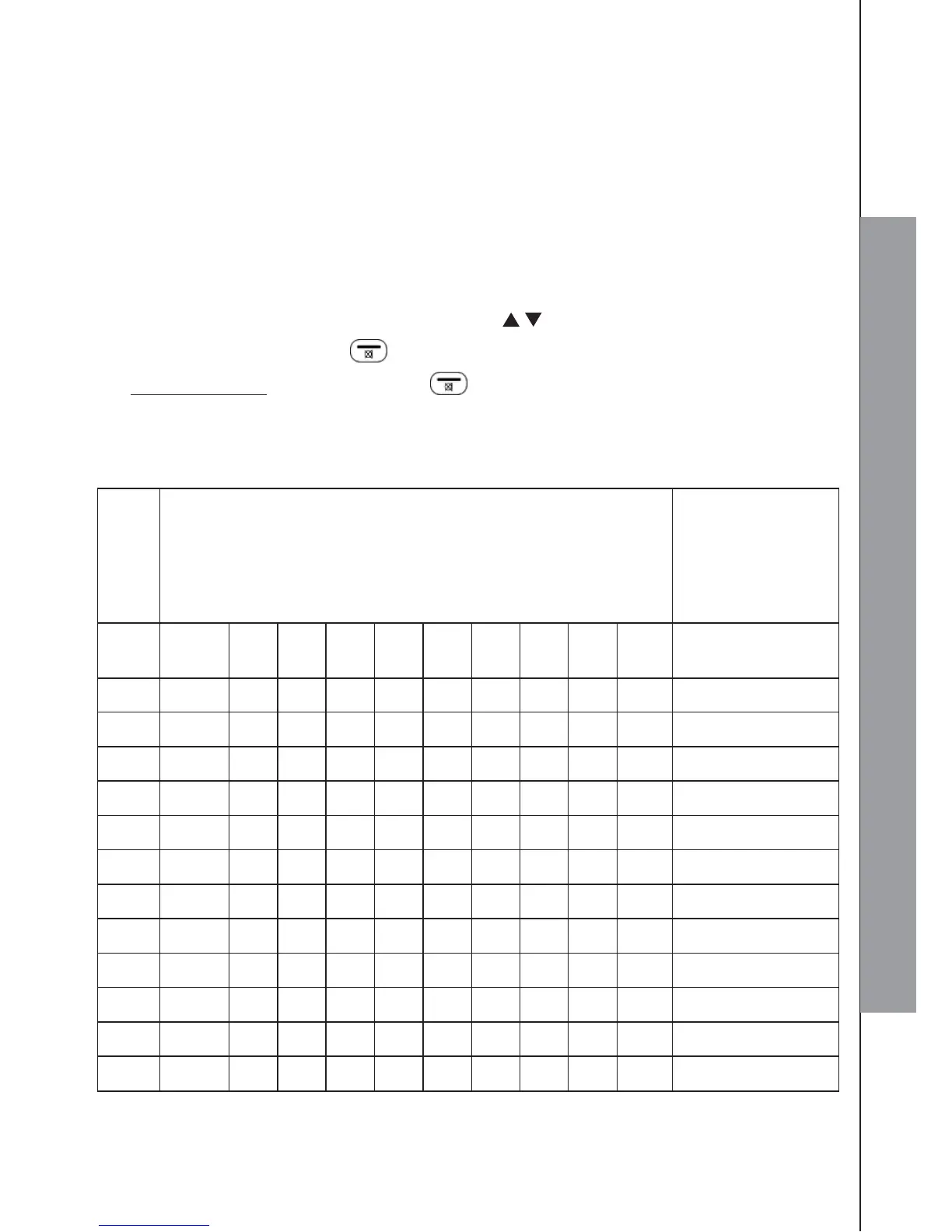
3.6 Text and Digit Entry Table
The following tables show you where each letter and punctuation character can be
found. This will be helpful when storing a name in the phonebook or renaming
your handset.
In editing mode, a cursor is displayed to indicate the current text entry position. It is
positioned at the right of the last character entered.
Writing Tips:
1. Once a character is selected, the cursor will move to the next position after a
short pause.
2. You can move the cursor within the text by / to amend the text entry.
3. Press RIGHT SOFTKEY on the handset to delete the last character.
4.
Press and hold RIGHT SOFTKEY on the handset to delete the entire text
string.
3.6.1 English Character Set



 To Next Page