NOTE:
Alternatively, you can use the following shortcut keys to control different operation
during message playback.
• Press 5 to stop message playback.
• Press 4 to skip to repeat playing the current message from the beginning. Press
4 twice to skip backward to the previous message.
• Press 6 to skip to play next message.
• Press 2 to delete the current message playback.
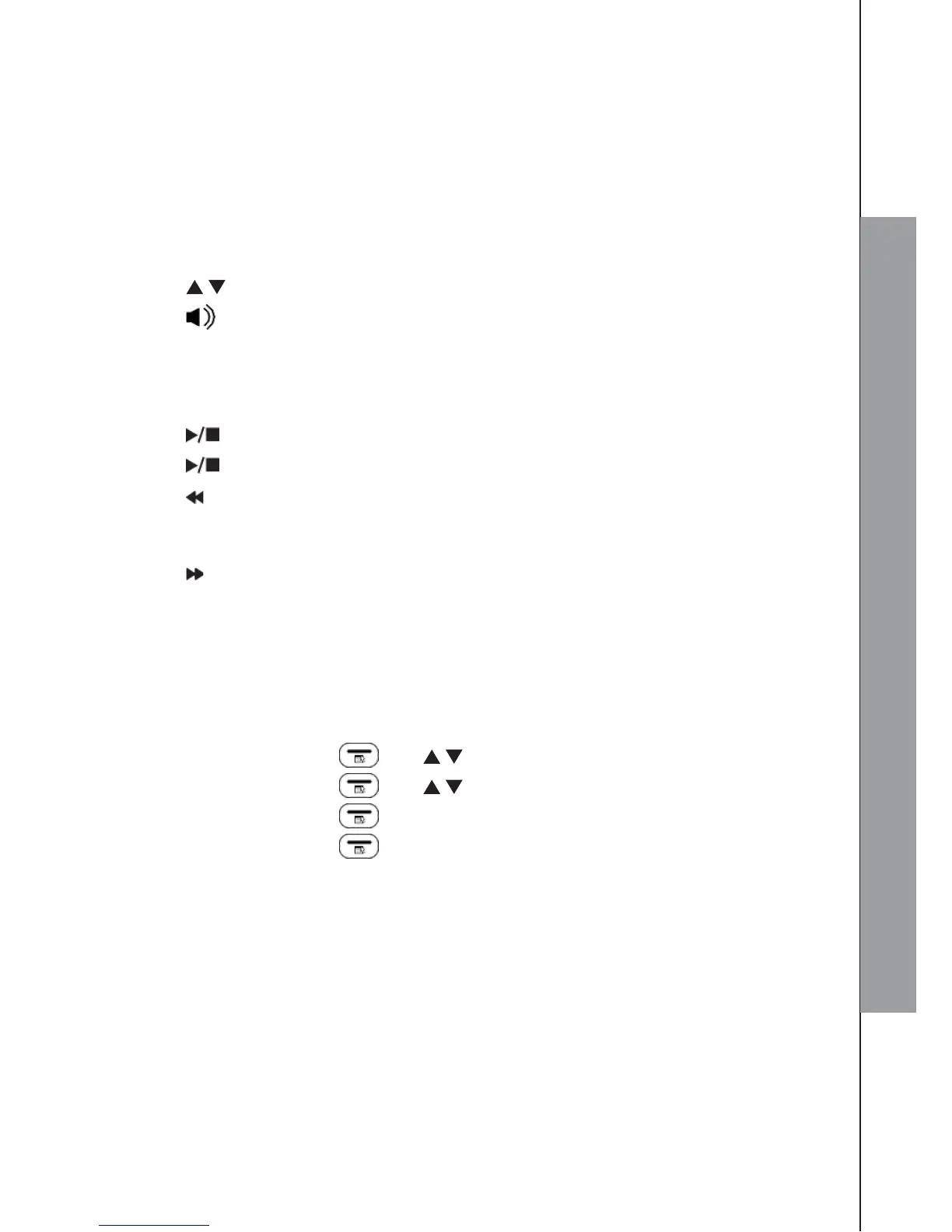
• Press / to adjust the playback volume.
• Press to turn the speakerphone on or off.
Using the base direct key:
In idle:
1. Press /PLAY/STOP to listen to messages and memos.
2. Press /PLAY/STOP if you want to stop the playback.
3. Press /REPEAT once if you want to repeat the current message from the
beginning, or press twice to skip back to the previous message during message
playback.
4. Press /SKIP if you want to skip forward to the next message during message
playback.
5. Press X/DELETE if you want to delete the current message being played.
9.3 Delete all Messages on TAM
Using the handset:
1. Press LEFT SOFTKEY and / to select ANS. MACHINE.
2. Press LEFT SOFTKEY and / to select DELETE ALL.
3. Press LEFT SOFTKEY .
4. Press LEFT SOFTKEY again to confirm delete all old messages.
NOTE:
You cannot delete new messages, so you will have to play them before trying to
delete.



 To Next Page