101
DSP DESIGNER TUTORIAL
Saving the TextGroup
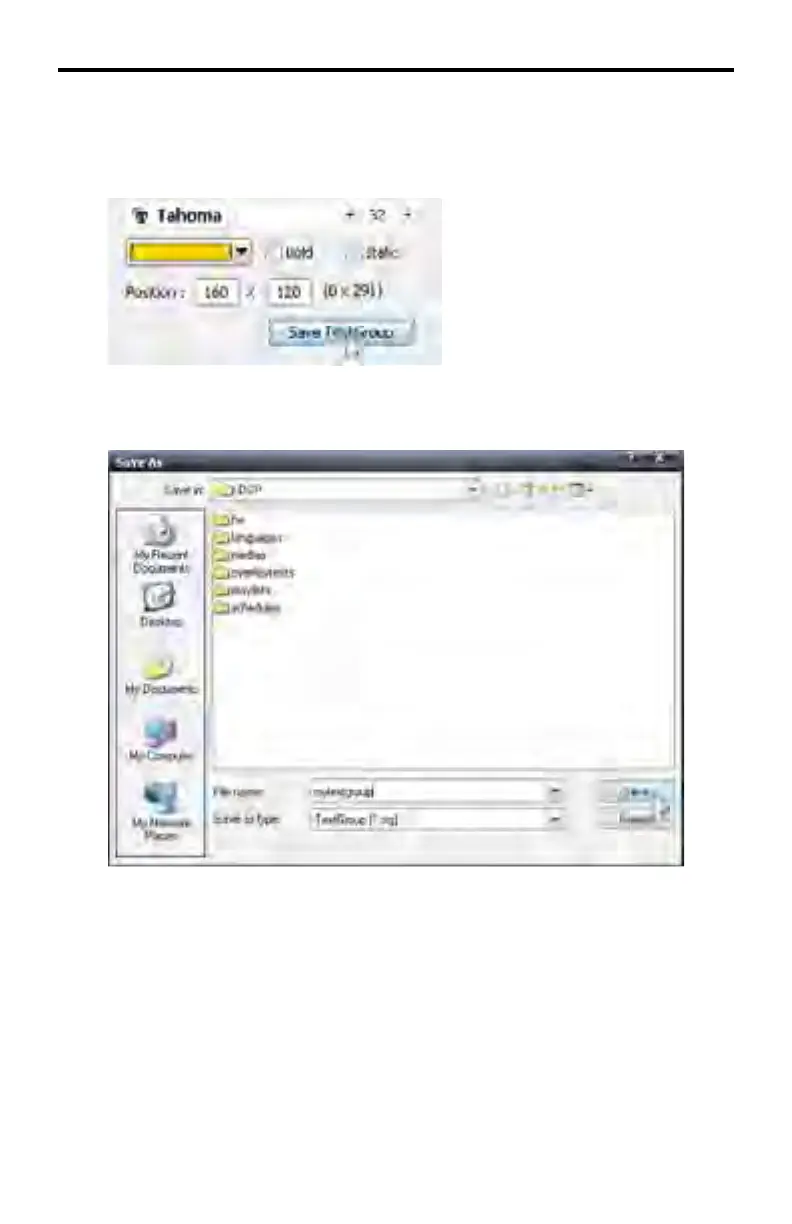
Click the Save TextGroup button.
The Save As... dialog will be displayed.
Create a fi lename for the TextGroup and type it in the File name fi eld. TextGroup
fi lenames use the *.stg fi le extension. The example above shows mytextgroup
as the fi lename. Click the Save button to save the fi le to disk.
Since the TextGroup is part of the Media Files tab, it is recommended that the
TextGroup fi le be saved under the \DSP folder so it can be easily located when
loading a TextGroup (see page 97).



 To Next Page