43
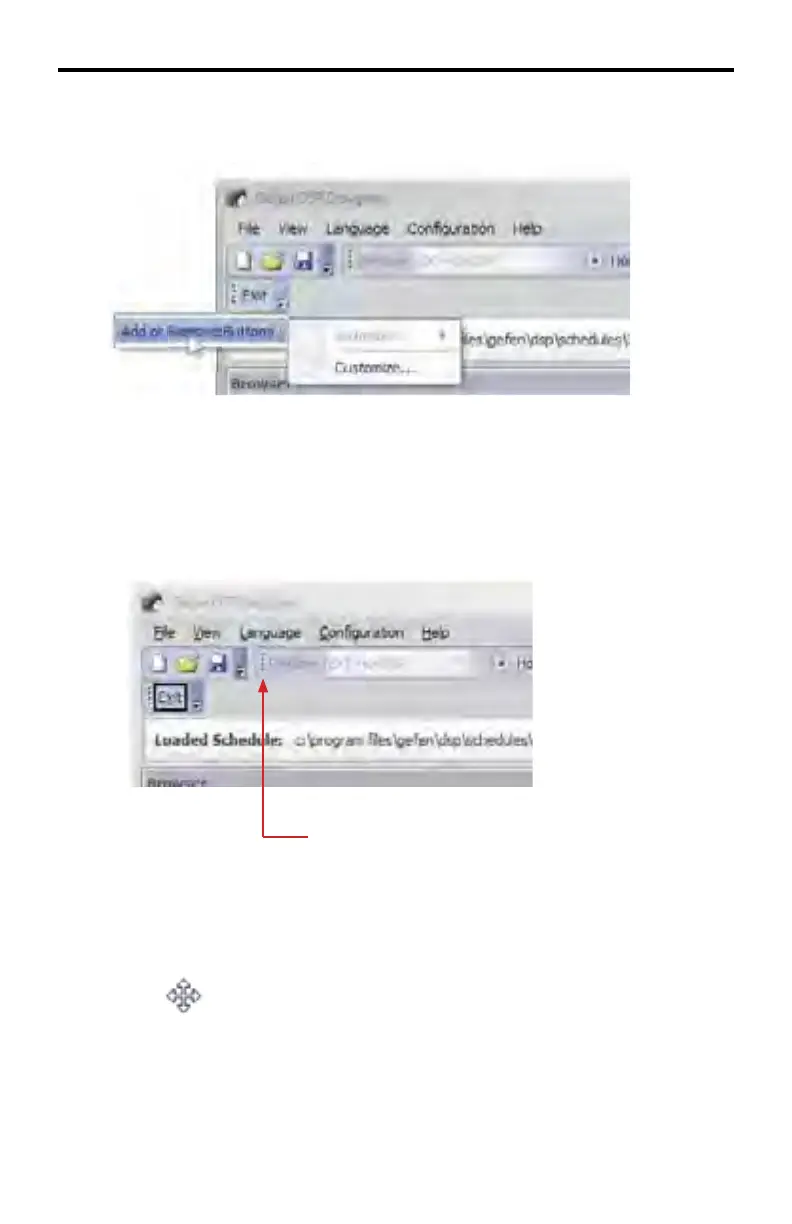
Unlike the Standard Toolbar, a new Toolbar cannot be modified using the Add or
Remove buttons . However, the Customize option (page 32) is always available.
Floating Toolbars
The DSP Toolbar and any created toolbars can be detached from the DSP De-
signer and repositioned within the DSP Designer or outside of the DSP Designer
interface.
Floating toolbar indicator
When the mouse is positioned over the Floating Toolbar Indicator, the mouse cur-
sor will change to a crossed-arrows icon:
DSP DESIGNER SOFTWARE



 To Next Page