119
Gefen DSP Server Options
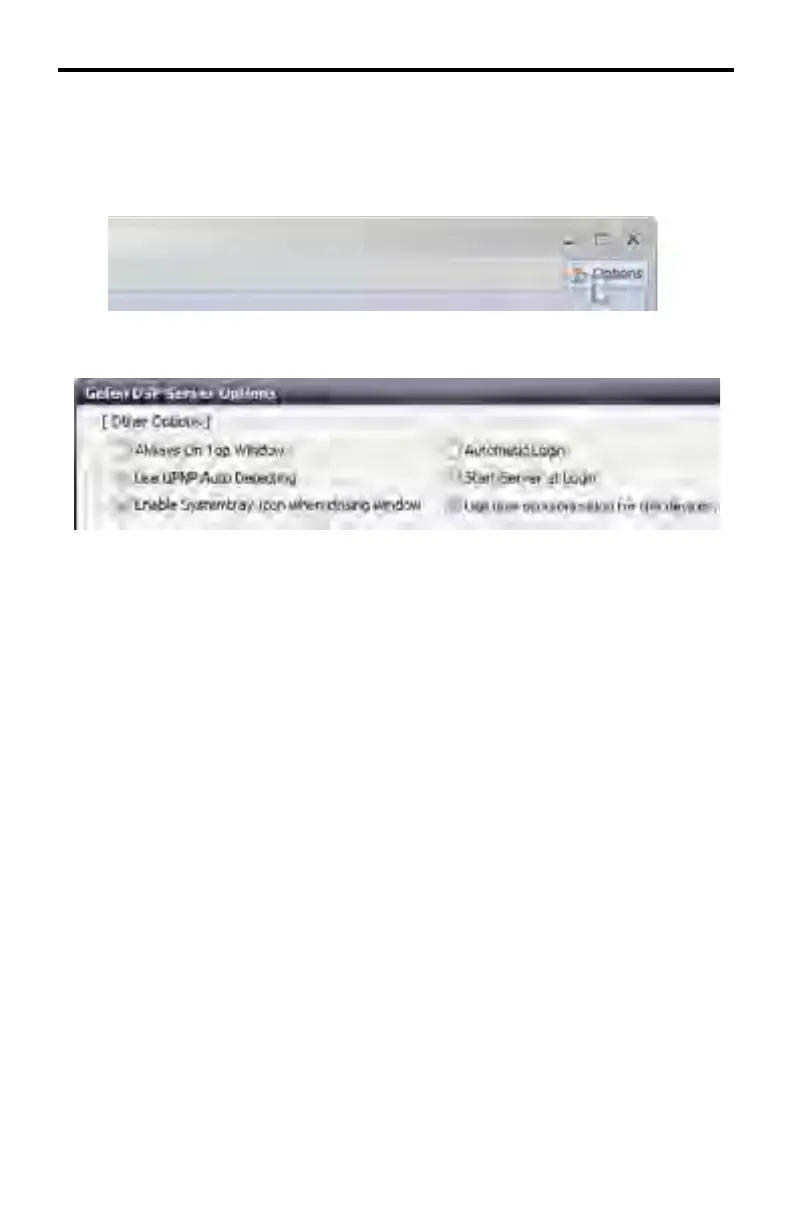
In the top-right corner of the screen, click the Options button to open the Options
dialog.
Gefen DSP Server Options > Other Options
Always On Top Window
The DSP Server window will always be the top window.
Use UPnP Auto Detect
Turn On/Off UPnP-based auto-detection.
Enable Systemtray Icon when closing window
When the window is closed, the DSP Server icon will appear in the Systemtray.
Automatic Login
Check to enable auto-login when starting the program.
Start Server at Login
The Server is automatically started after login. There is no need to press the
Start Server button (System Information > Start Server, see page 111).
Use time synchronization for the devices
The local time is read from the LAN / Internet and is used by the DSP Server
software.
DSP SERVER SOFTWARE



 To Next Page