71
5. Press the Apply button when modifi cations are completed.
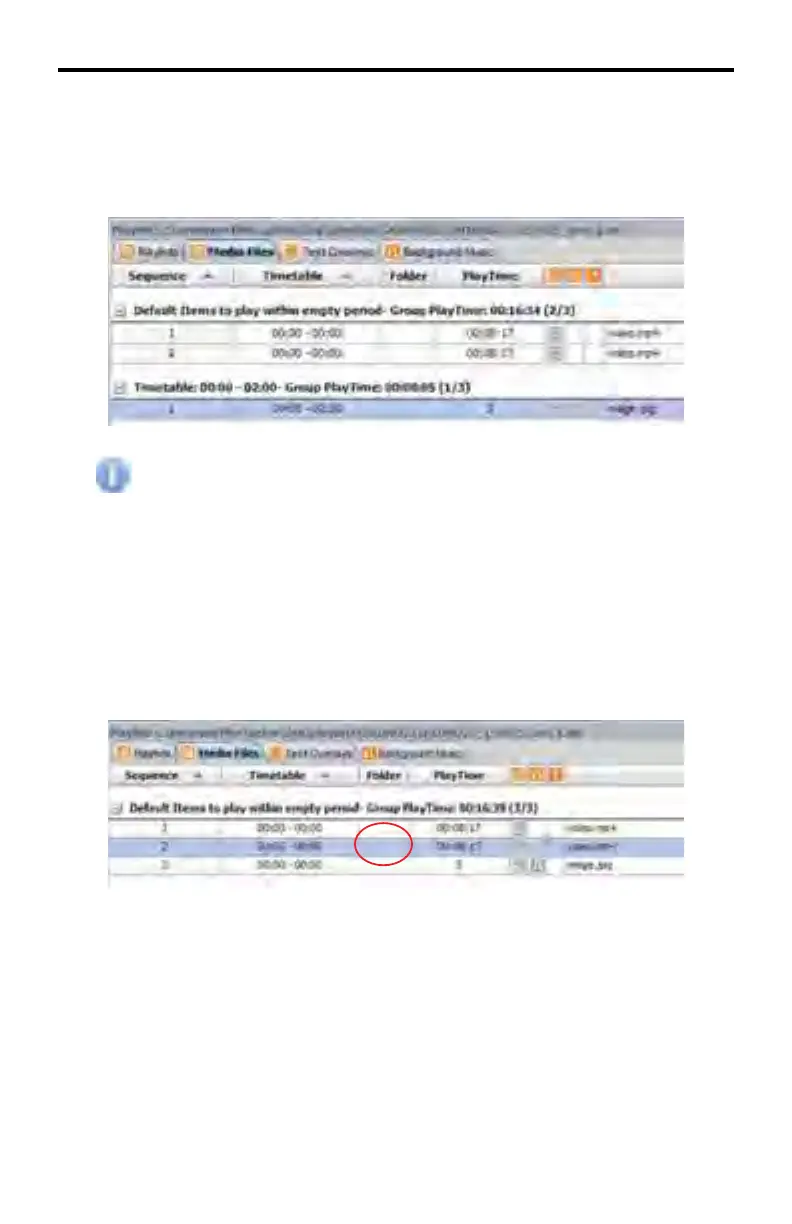
Once media have been assigned a period for playback it will be assigned to
a new group according to its new time period.
All media in the list that is not allocated for a time period will be grouped
together. These media fi les will play during periods that do not have
specifi c content set to playback.
Assigning Media Identifi ers
Media that has been imported into the Media Files tab can be assigned letters
(A-H) for tracking or convenience purposes. Assigning a media fi le using this
column will not affect the folder structure or fi les in any way.
1. Double click on the Folder fi eld (will be blank if none has been selected) of
the desired media to access up the drop-down menu for the object.
2. Click on the arrow to the right of the fi eld to see the available folder options.
3. Click on the desired folder option.
DSP DESIGNER TUTORIAL



 To Next Page