29
The DSP Interface
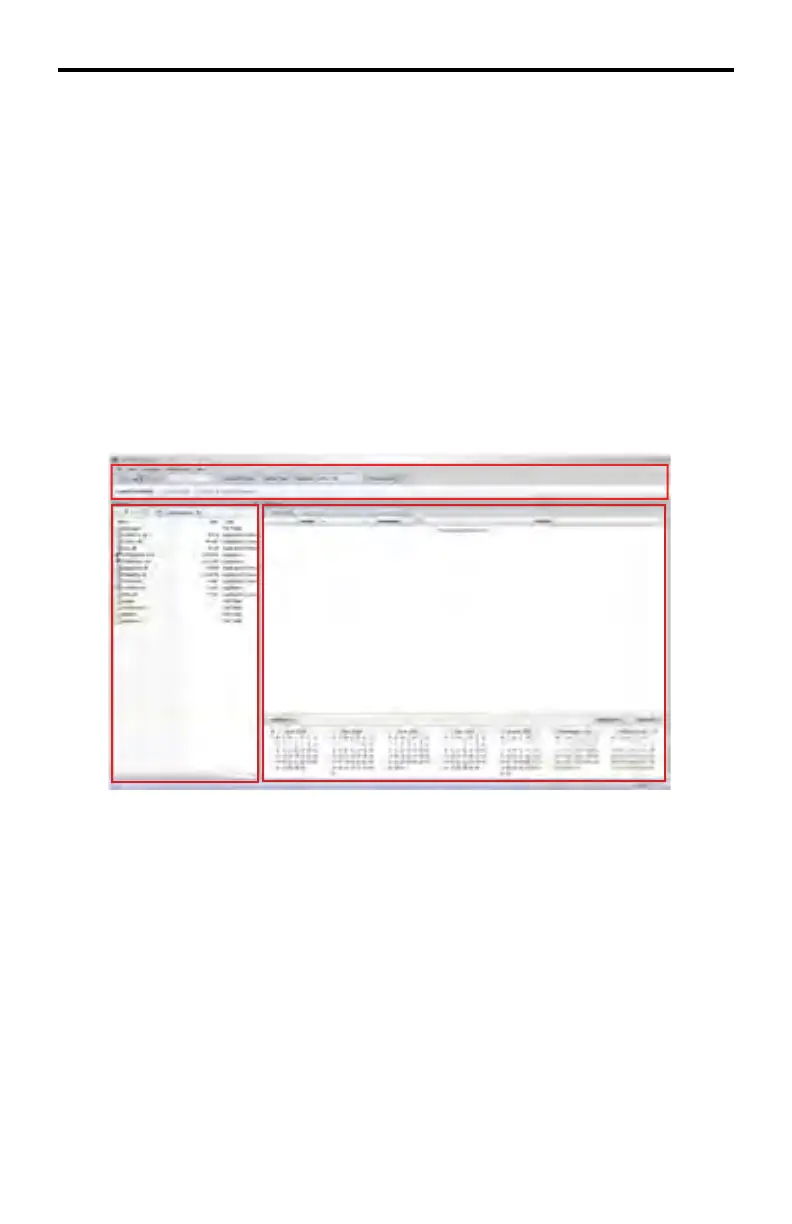
The DSP Designer is divided into three windows:
Window 1 - Application Menu and DSP Bar
Contains the main menu system used for confi guring the DSP Designer and set-
ting up the work environment.
Window 2 - Browser window
Allows navigation of all media content stored on the local computer. See page
60 for details.
Window 3 - Scheduler Window
Used to confi gure and display the contents of playlists, schedules, and all related
media.
Application Menu and DSP Bar
The Application Menu is located at the top portion of the DSP Designer software
in Window 1 and contains five (5) Menus:
• File
• View
• Language
• Configuration
• Help
DSP DESIGNER SOFTWARE
Window 1
Window 2
Window 3



 To Next Page