127
Device View Window Description
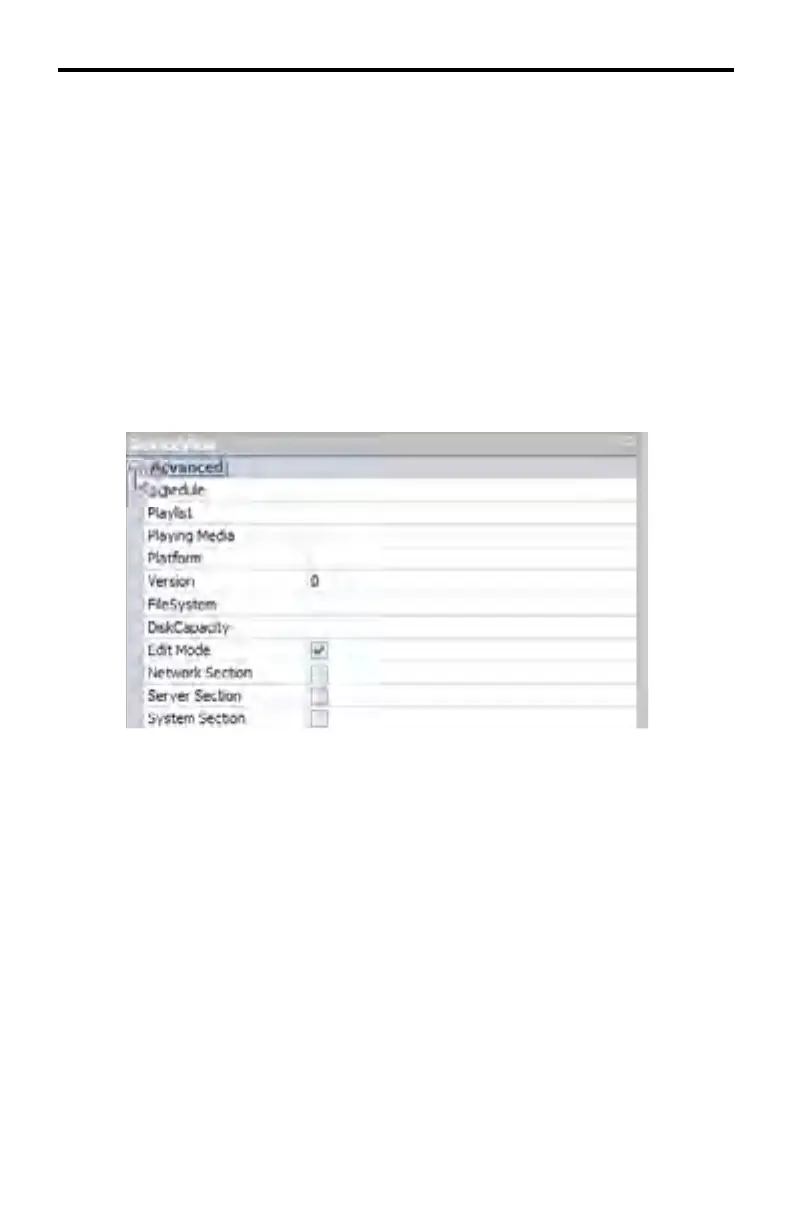
Each section (Advanced, Network, Server, System, and System.Extra) of the
DeviceView window contains information relating to the status of the DSP device.
The information in the Device View will change depending on which device is
selected in Window 2 (see page 122).
It is possible to reduce the amount of information displayed in the Device View
window by hiding the desired section(s).
Hiding a section within the Device View window
1. Place the mouse cursor over the minus icon, next to the section name to be
hidden. In the example below, the Advanced section will be hidden.
2. Click the mouse while positioned over the minus icon. The Advanced sec-
tion will now be hidden.
The remaining sections will be moved up in the DeviceView window (see
page 128).
DSP SERVER SOFTWARE



 To Next Page