65
Creating a Playlist
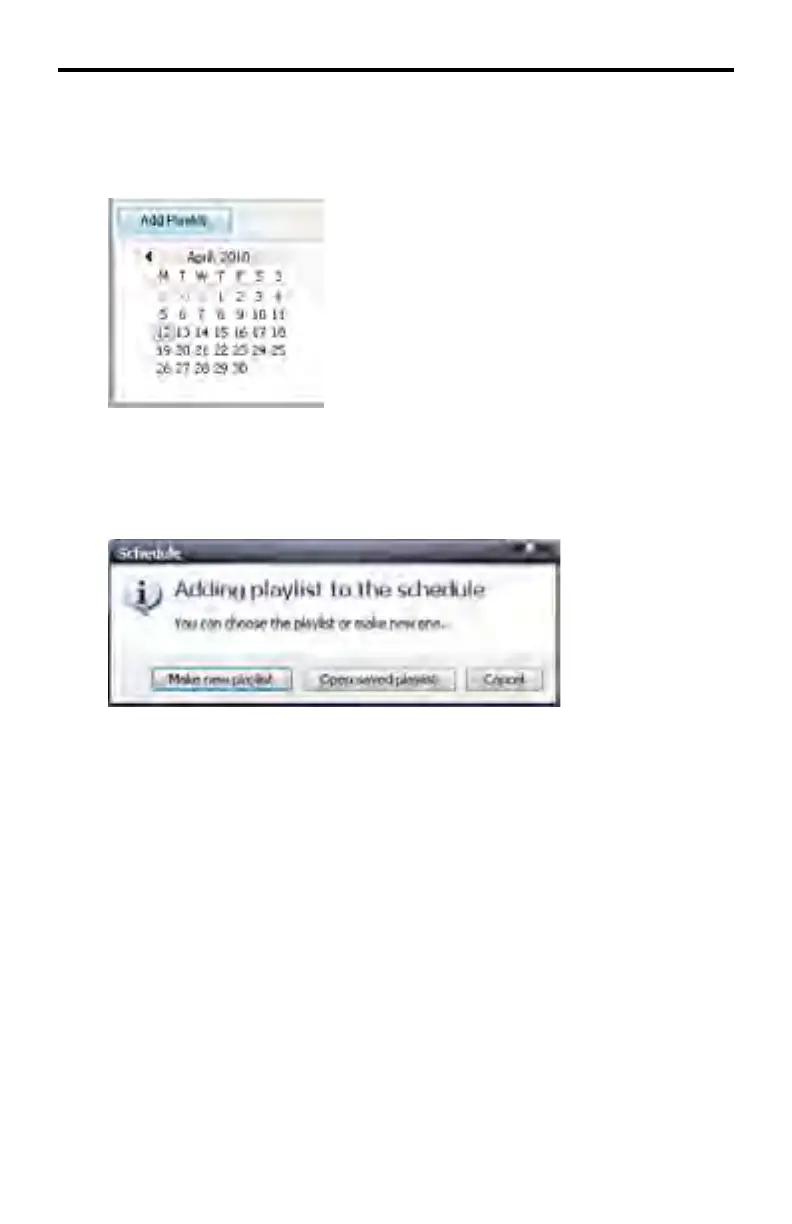
1. Locate the Add Playlist button in the lower portion of the screen, next to the
calendars.
Press the Add Playlist button.
A dialog will be displayed.
2. Click Make New Playlist
If there is an existing Playlist, it can be loaded by pressing the Open Saved
Playlist button.
The Cancel button will abort the operation and close the dialog.
DSP DESIGNER TUTORIAL



 To Next Page