93
Changing TextGroup Attributes
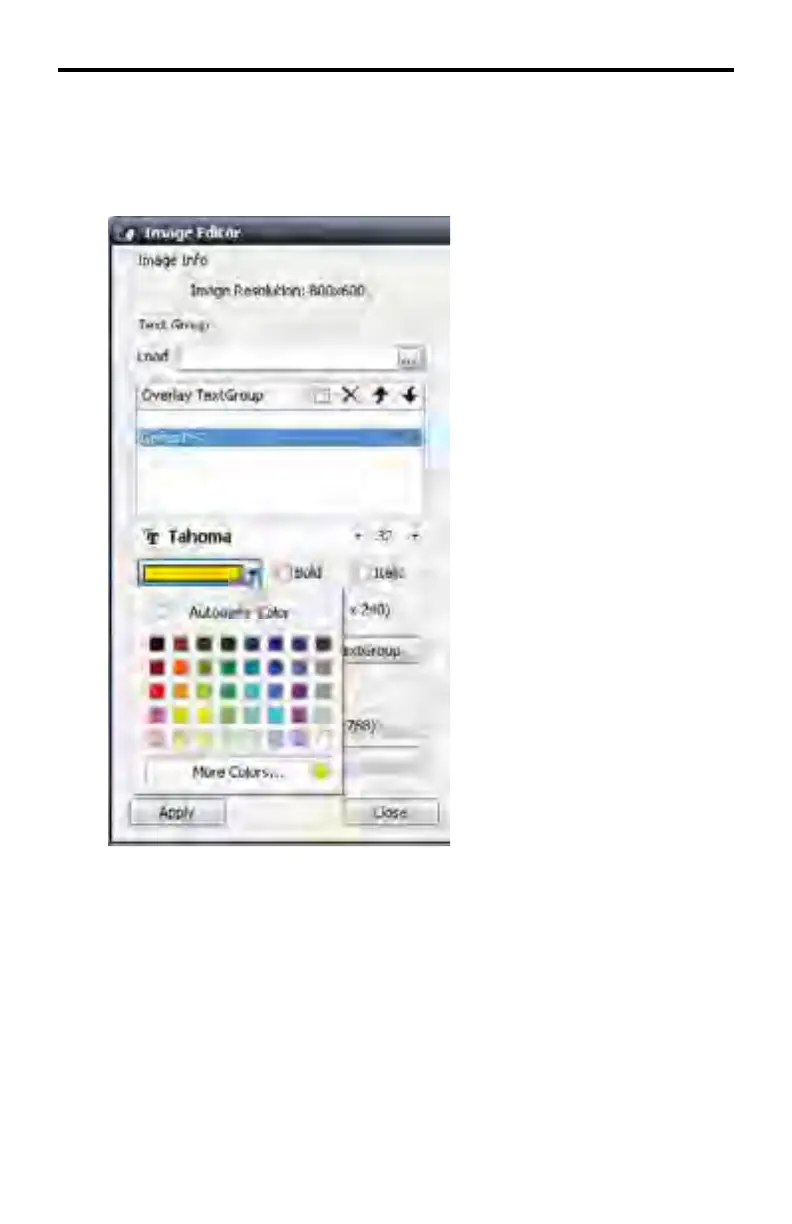
To change the color of the text, click the color swatch pull-down menu.
Set the Bold and/or Italic font attributes if desired.
The text color can be changed by positioning the mouse over one of the colors
available in the color swatch and clicking the mouse.
Once a new color is selected in the color swatch, the selected color will be ap-
plied to the text in the image window and the color swatch will close.
The selection labled Automatic Color will create white text.
DSP DESIGNER TUTORIAL



 To Next Page