92
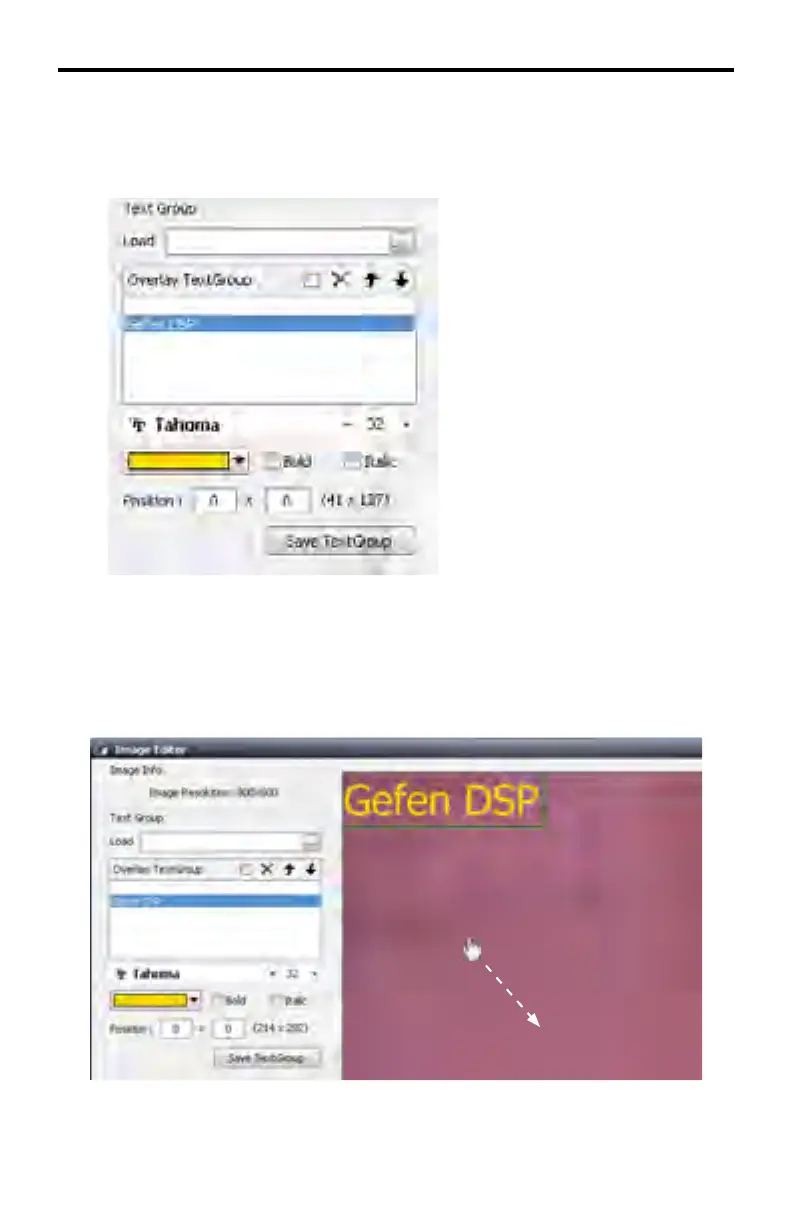
Type the desired text in the text fi eld. In the example below, the text “Gefen
DSP” is used. Once the text entry has been completed, press the ENTER key on
they keyboard.
The font controls for customizing the look of the text in the image window are
now enabled.
By default, the created text will appear in the upper left corner of the image. Use
the mouse to move the image and view the text.
DSP DESIGNER TUTORIAL



 To Next Page