8484
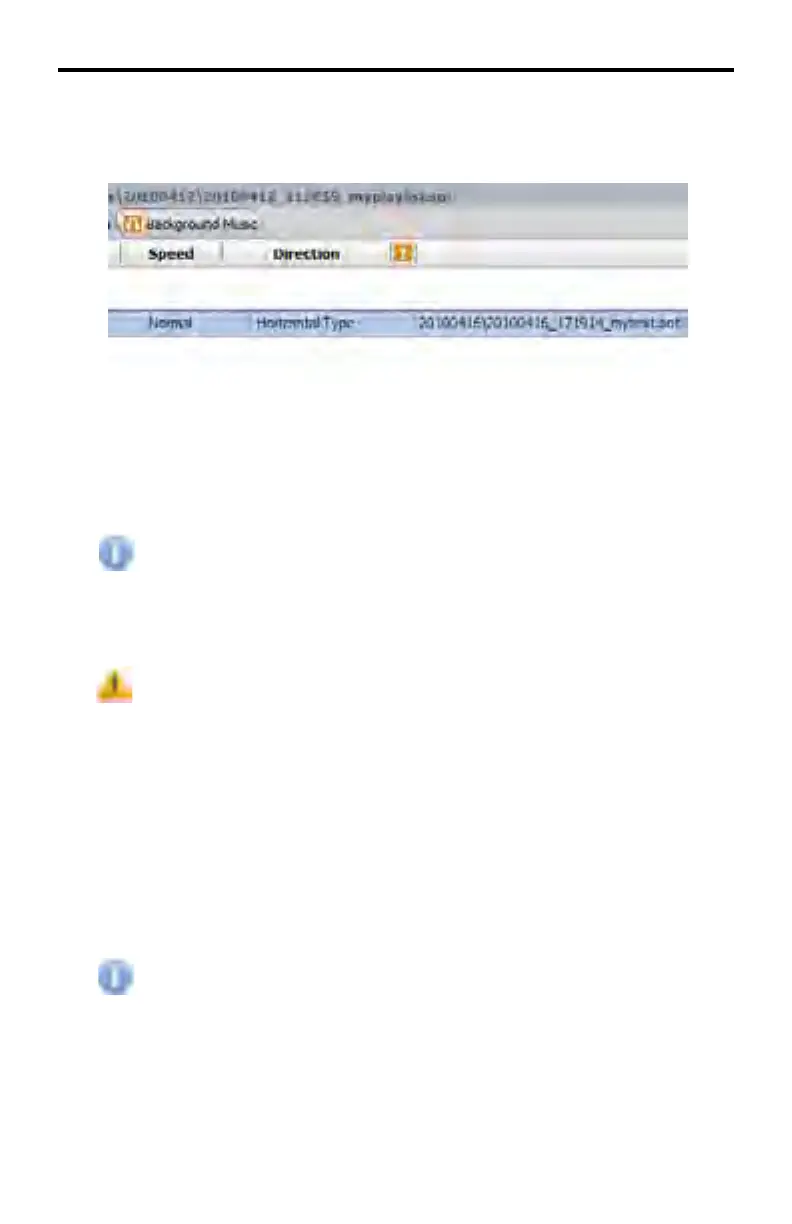
Text Overlay mytext2.sot has now been deleted. Note that in removing
mytext2.sot, that the orginal Text Overlay, mytext.sot, has been moved to
Text Overlay 1.
If several Text Overlays exist in the schedule, multiple Text Overlays can be
selected by holding down the SHIFT key while selecting each Text Overlay.
Alternatively, the Delete All button can be used to remove all Text Overlays
without making mulitple selections with the SHIFT key.
The Delete Items and Delete All buttons do not delete the Text Overlay
fi les in the \overlaytexts directory. Only the Text Overlay fi les are
removed from the schedule.
The DSP Designer will not provide a prompt to verify that the selected
Text Overlay fi les are to be removed from the project. If the Text
Overlay fi le is deleted by accident, navigate to the overlaytexts directory,
double-click directory containing the Text Overlay fi le then click-and-
drag the .sot fi le to the Text Overlay window.
Background Music
Background music can be added and scheduled using this tab. This can be set
for use with slideshows and static images. Background music can be set to play
at anytime, however it is recommended that the playtime set for background
music not confl ict with video fi les that already contain audio.
Background Music can only be assigned to static images only and
cannot be used when playing video fi les.
DSP DESIGNER TUTORIAL



 To Next Page