85
Adding Background Music
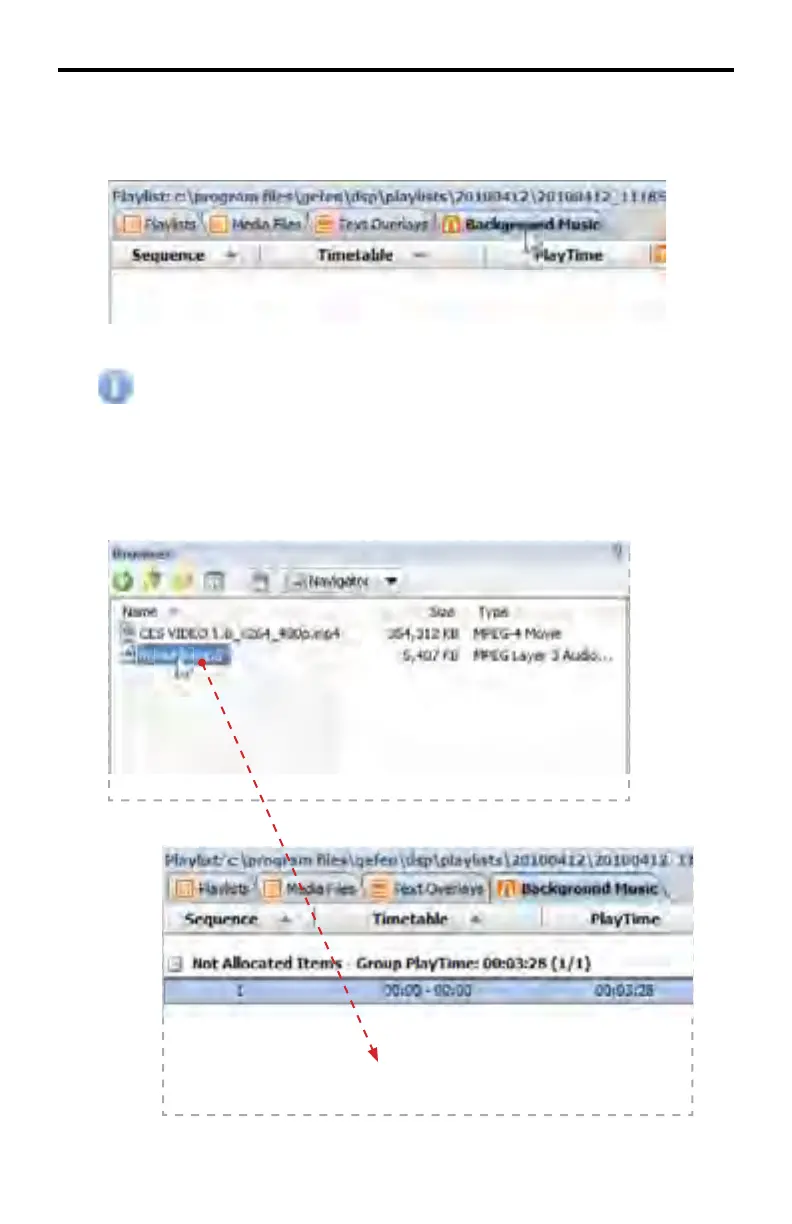
1. Click the Background Music tab
Before adding Background Music fi les, all content should be located
under the Medias directory. The most effi cient way to do this is to use
the Navigator pull-down dialog (page 58) from the Browser window and
select music fi les. Then, drag the music fi le(s) to the Browser window.
2. Add the music to the Playlist File by dragging the music from the Browser
window to the Background Music tab.
DSP DESIGNER TUTORIAL



 To Next Page