86
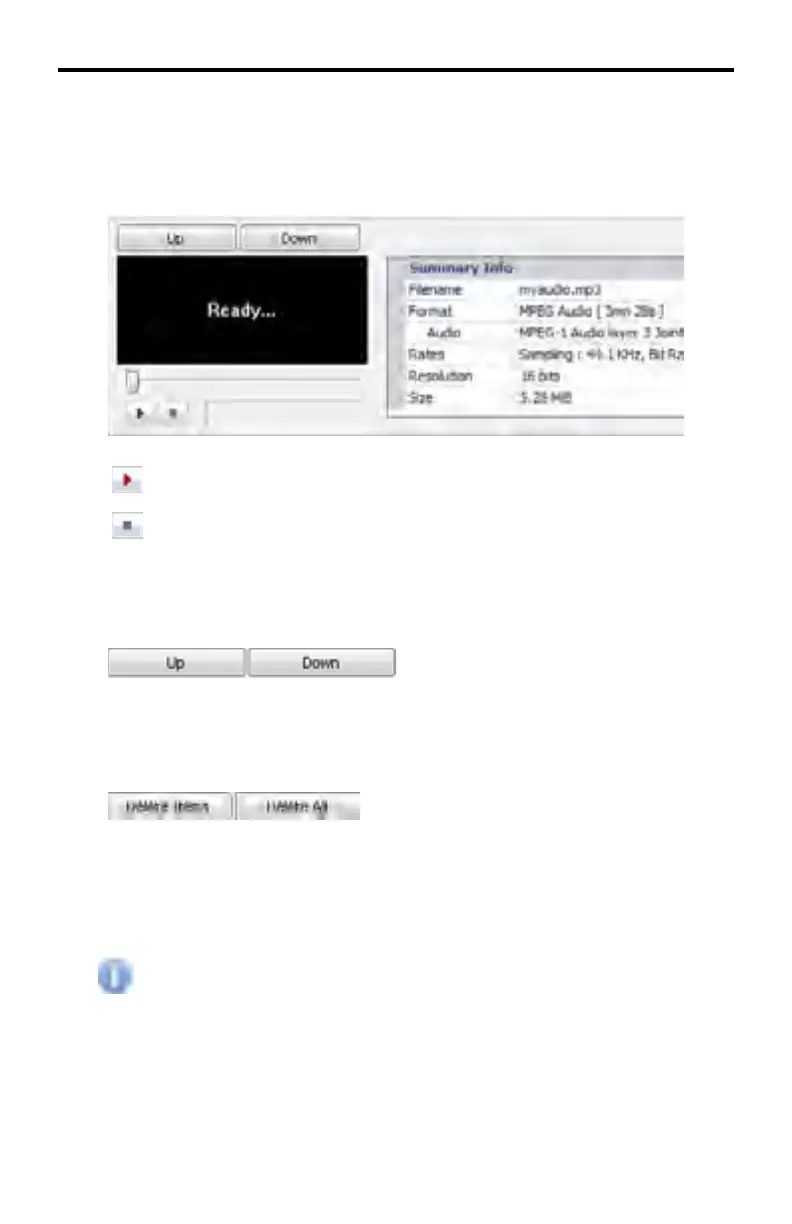
Select the music fi le(s) in the Background Music tab to display information in
this window.
Music fi les can be previewed in this window when the proper audio codecs for
the music fi les have been installed on the computer.
Press this button to begin playback of video content.
Press this button to stop playback.
Use the Up and Down buttons, located in between the Background Music tab
and the Preview window, to change the order of the media.
Use the Delete Items and Delete All buttons, located in between the Background
Music tab and the Preview window, to delete media fi les added to the
Background Music tab.
Delete Items - deletes the currently selected items.
Delete All - deletes all items in the Media Window.
Delete Items and Delete All will not delete the fi les from the Background
Music tab. These buttons only remove the fi les from the Media window.
DSP DESIGNER TUTORIAL



 To Next Page