8787
DSP Designer Image Editing Software
Since it is often necessary for images to be resized or rotated when preparing
them for use in a digital signage application, the DSP Designer provides a built-in
image editor.
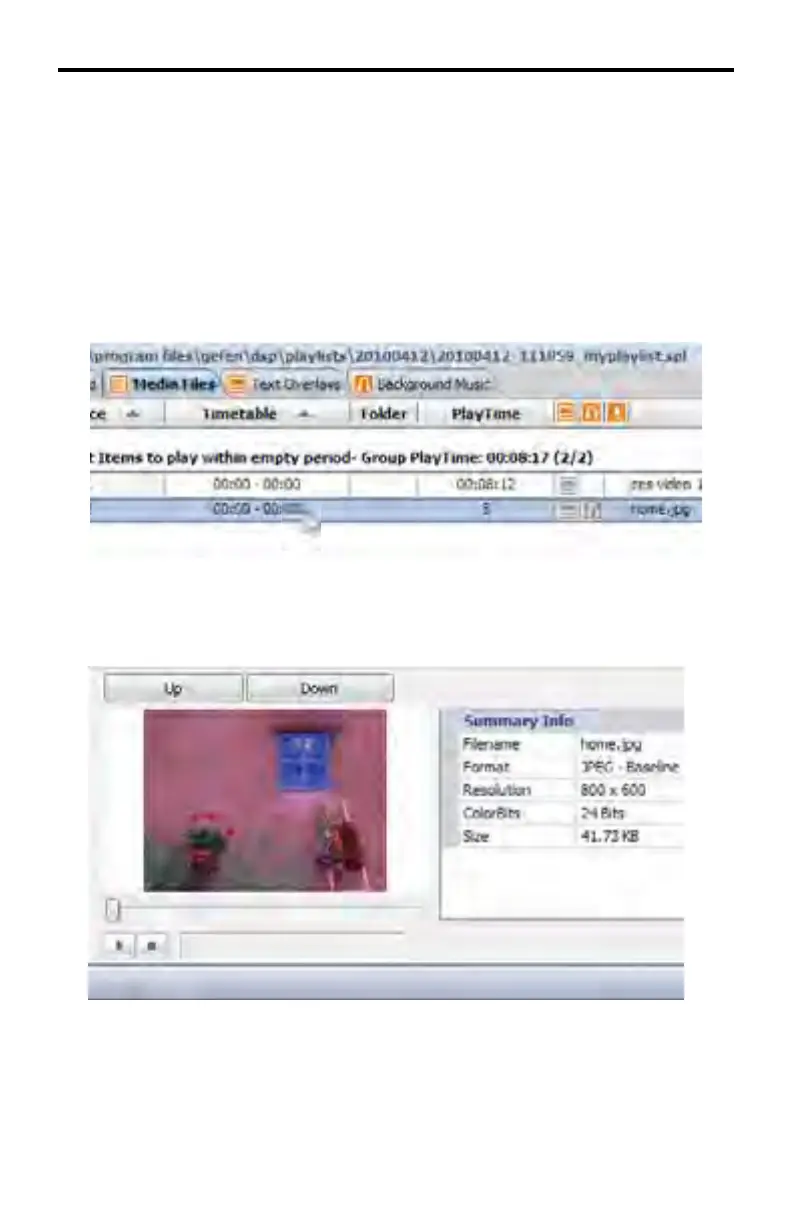
In the example below, an image (.JPG format) has been added to the Media Files
window. The image has been highlighted by clicking on it with the mouse. As
with all media fi les, the content should be placed under the \medias folder.
Toward the bottom of the DSP Designer window is the Preview Window which
provides a preview of the image in addition to Summary Info on the image which
includes image fi lename, format, resolution, color depth and fi le size.
DSP DESIGNER TUTORIAL



 To Next Page