63
Creating a Schedule
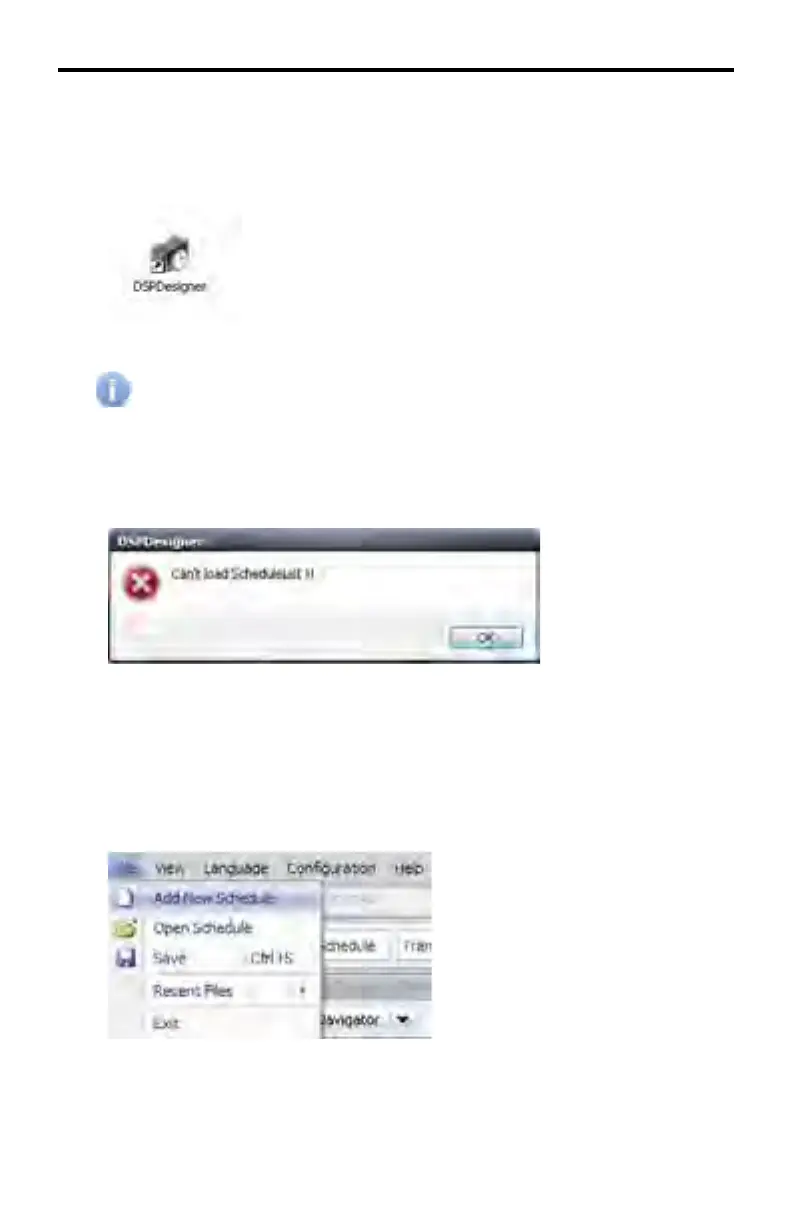
1. Launch the DSP Designer software by double-clicking on the DSPDesigner
icon.
If the DSP Designer software is being started for the fi rst time, please
refer to Starting the DSP Designer Software for the First Time for
details.
If the DSP Designer is unable to locate the Schedule List, a dialog will be
presented indicating that no Schedule can be loaded.
Click the OK button to dismiss the dialog and display the DSP Designer
software interface.
2. From the Application Menu, click File > Add New Schedule.
DSP DESIGNER TUTORIAL



 To Next Page