62
4. Go to Default working directory
Immediately jumps to the default working directory, which was set during the
initial confi guration.
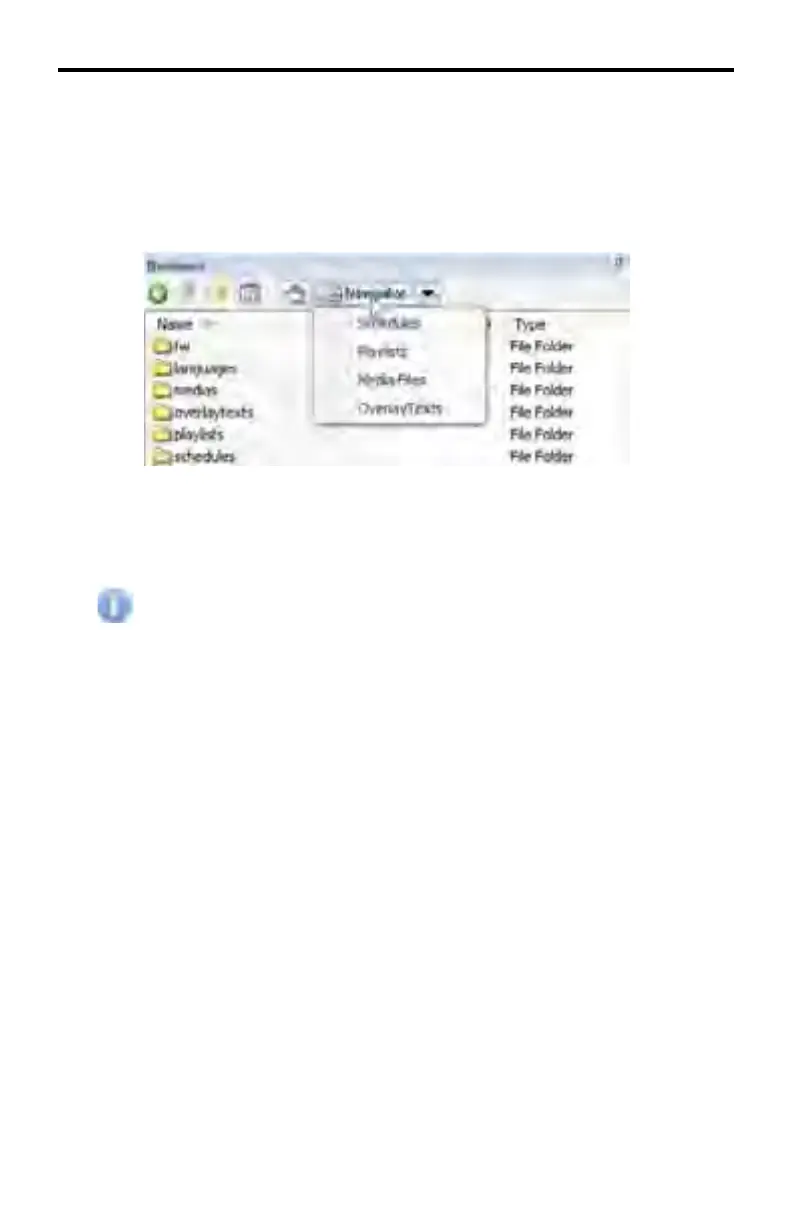
5. Navigator
Each item in the Navigator pull-down menu represents a folder name used
by the DSP Designer. Clicking on one of these selections will navigate
directly to that directory.
The Media Files selection will navigate to the \Medias directory.
DSP DESIGNER SOFTWARE



 To Next Page