61
Browser Menu > Go to last Folder visited
Return to last folder viewed.
Browser Menu > Up One Level
Moves up one level from the current directory.
Browser Menu > Create New Folder
A new folder is displayed with the default name, New Folder. Type the name for
the new folder and press ENTER.
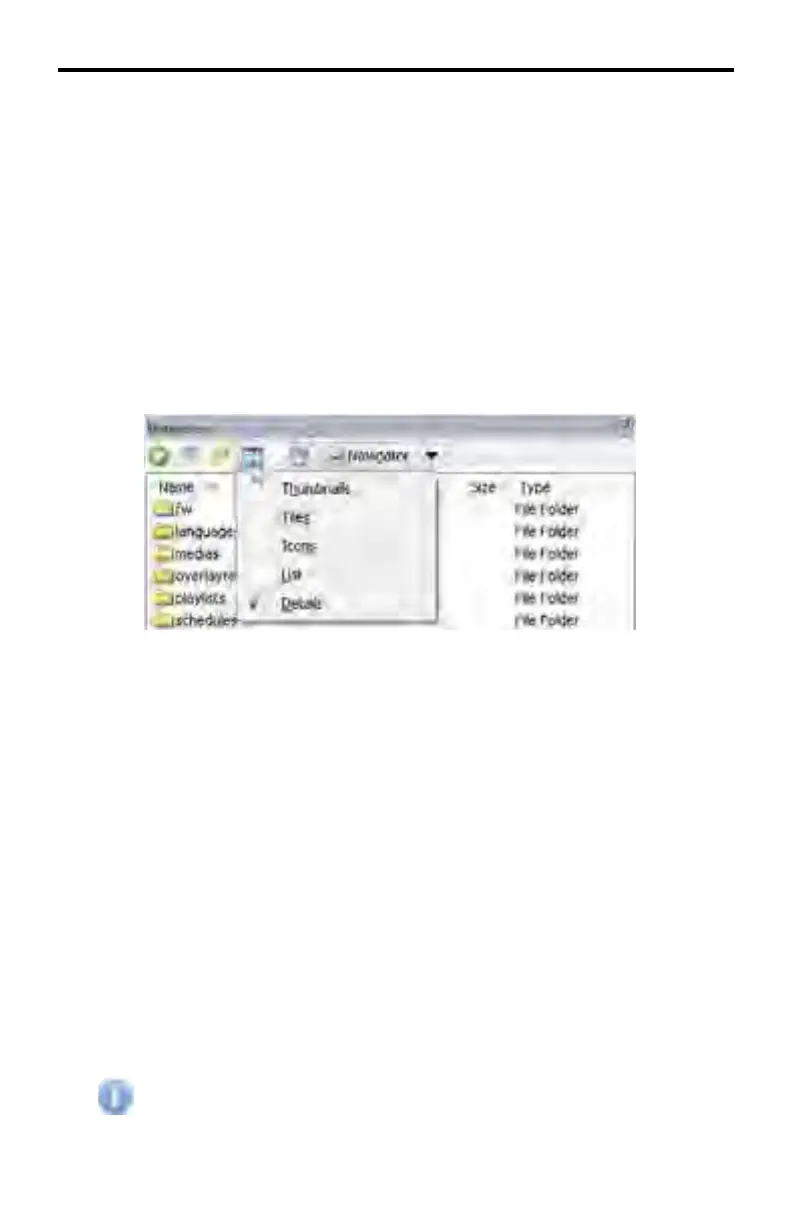
View Menu
View Menu > Thumbnails
Displays the images a folder contains in order to quickly identify the contents of
the folder. This is useful for browsing the Media folder.
View Menu > Tiles
Displays fi les and folders as icons. The icons are larger than when using the
Icons view and contain more descriptive information about the fi le.
View Menu > Icons
Displays fi les and folders as icons. The fi lename is displayed under the icon but
unlike the Tiles view, no additional fi le information is displayed
View Menu > List
Displays the contents of a folder as a list of fi les or folders. The folder names are
preceded by small icons.
View Menu > Details
Displays the most comprehensive view of all fi les and folders, including name,
type, size, and date modifi ed.
By default the View Menu is set to Details.
DSP DESIGNER SOFTWARE



 To Next Page