130
DeviceView > Advacned > Edit Mode
If this box is checked, three (3) additional options will be listed below Edit Mode:
• Network Section
• Server Section
• System Section
Place a check mark in any of these sections to edit the section information.
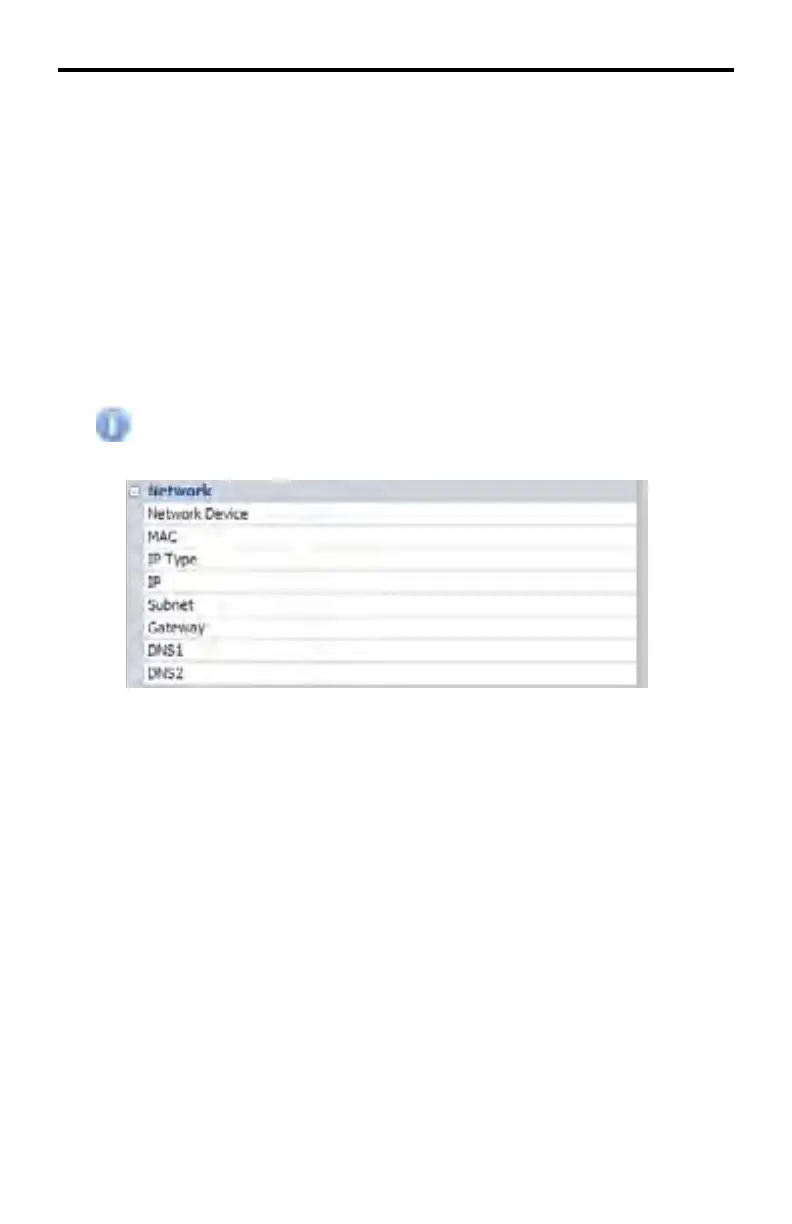
DeviceView > Network
The information contained under this section can be edited when the
Edit Mode > Network Section box is checked.
DeviceView > Network > Network Device
Indicates the type of connection being used. The only available option if Edit
Mode > Network Section is enabled is LAN.
DeviceView > Network > MAC
The MAC address of the DSP. If Edit Mode > Network Section is enabled, the
MAC address can be changed.
DeviceView > Network > IP Type
The IP type being used to connect to the DSP. If Edit Mode > Network Section is
enabled, the available options are: static or DHCP
DeviceView > Network > IP
The IP address of the DSP. If Edit Mode > Network Section is enabled, the IP
address can be changed.
DeviceView > Network > Subnet
The subnet address for the DSP. If Edit Mode > Network Section is enabled, the
Subnet address can be changed.
DSP SERVER SOFTWARE



 To Next Page