60
Browser Window
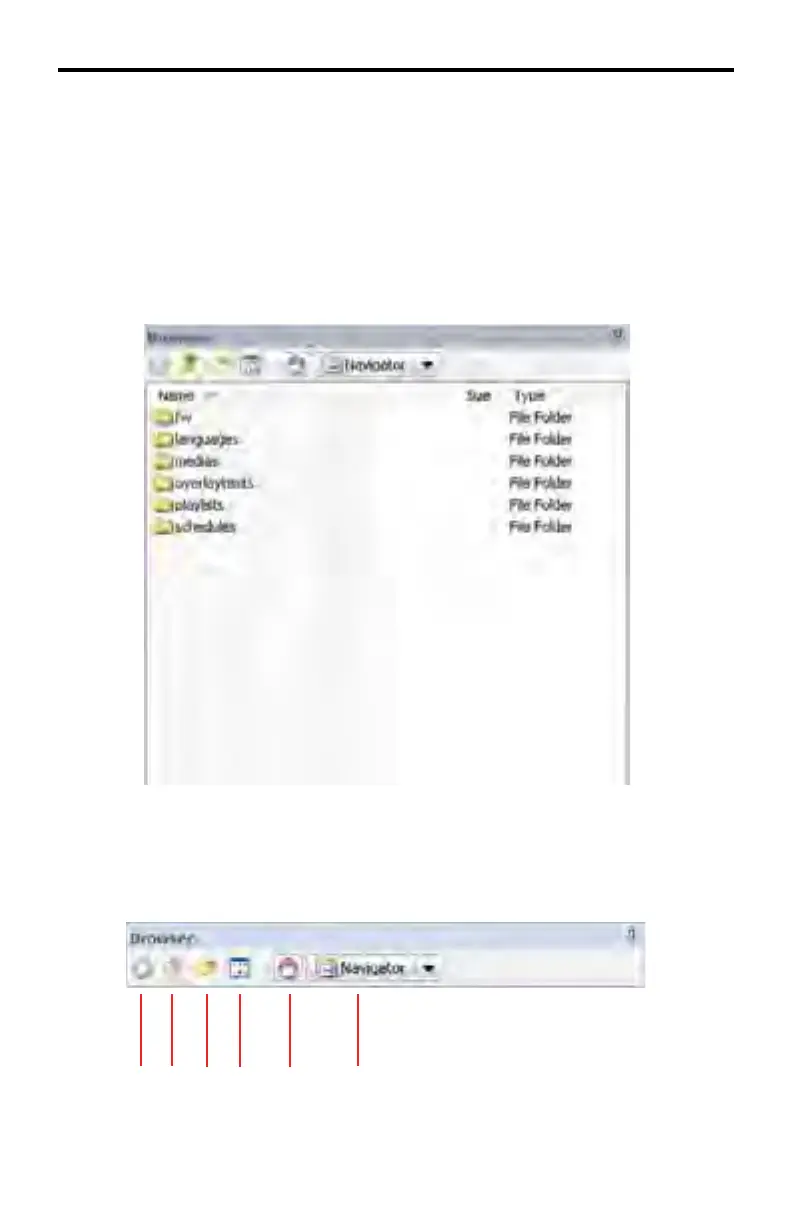
The Browser Window is located on the left side of the DSP Designer. The
Browser Window allows navigation of the folders and files on the local computer.
Media, Schedule, and Playlist files for the project are easily accessible for use in
the project.
Below is a closer view of the Browser window showing the default directory
structure used by the DSP Designer.
Browser Menu
The Browser Window has its own set of menus:
DSP DESIGNER SOFTWARE
1 2 3 4 5 6



 To Next Page