59
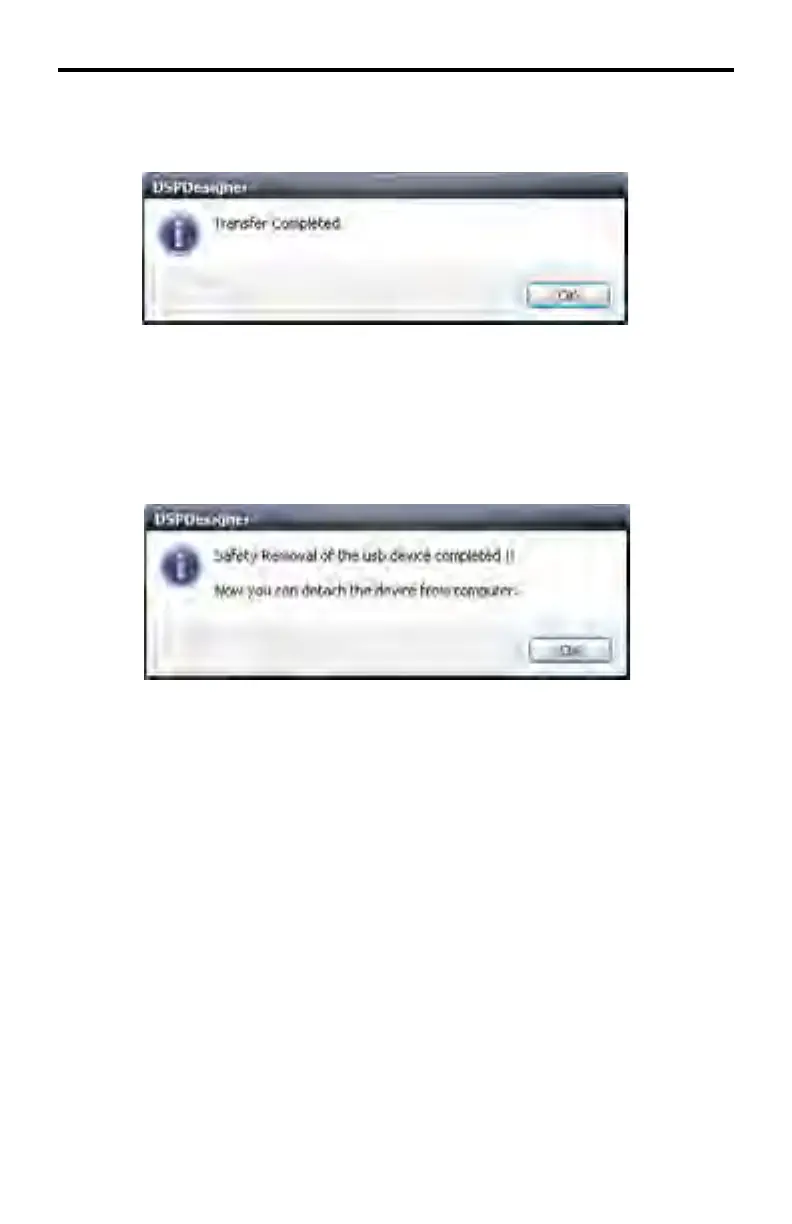
After the transfer process has completed successfully, another message box will
be displayed:
Click OK to dismiss the message box and return to the Select Devices dialog
box.
To remove the external USB storage device, click the Safety Removal Devices
button. Once the USB device is ready to be removed from the computer, the fol-
lowing dialog will be displayed:
DSP DESIGNER SOFTWARE



 To Next Page