32
View Menu
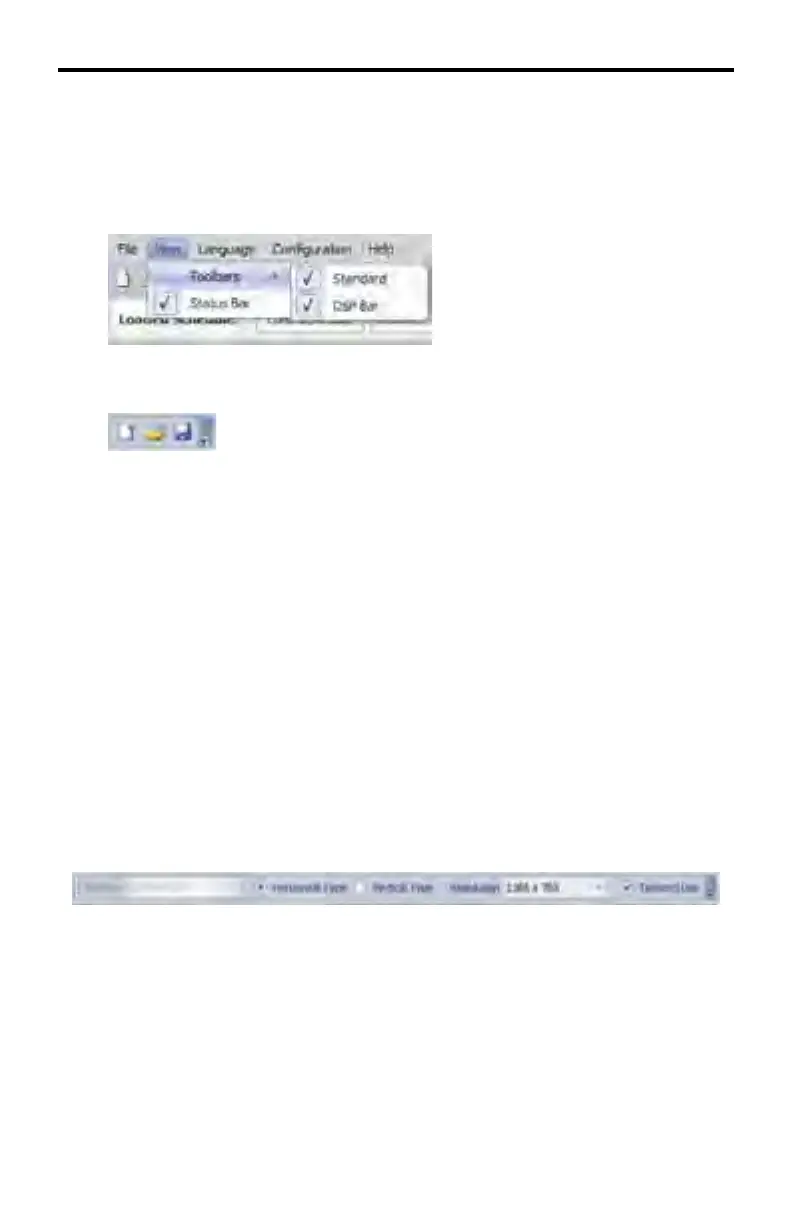
View > Toolbars > Standard | DSP Bar
Removes or displays the Standard and/or DSP Bar under the Application Menu.
Standard Toolbar
By default, the Standard Toolbar contains New, Open and Save icons. These
icons represent commonly used operations. Additional icons may be added to
this toolbar (please see page 40 for details).
• New - Located on the left-hand side and is denoted by a small sheet of pa-
per. Pressing the New icon on the Standard toolbar is equivalent to select-
ing File > Add New Schedule from the Main Menu.
• Open - Located in the middle and is represented by a yellow folder. The
Open icon is equivalent to selecting File > Open Schedule from the Main
Menu.
• Save - Located on the right-hand side of the toolbar and represented by a
blue fl oppy disk. The Save icon is equivalent to selecting File > Save from
the Main Menu.
DSP Toolbar
The DSP Toolbar contains information about the device settings.
Platform displays the device being used (this will always show EXT-HD-DSP).
The information in this pull-down dialog cannot be changed.
Horizontal Type sets the media orientation to horizontal.
Vertical Type sets the media orientation to vertical.
DSP DESIGNER SOFTWARE



 To Next Page