44
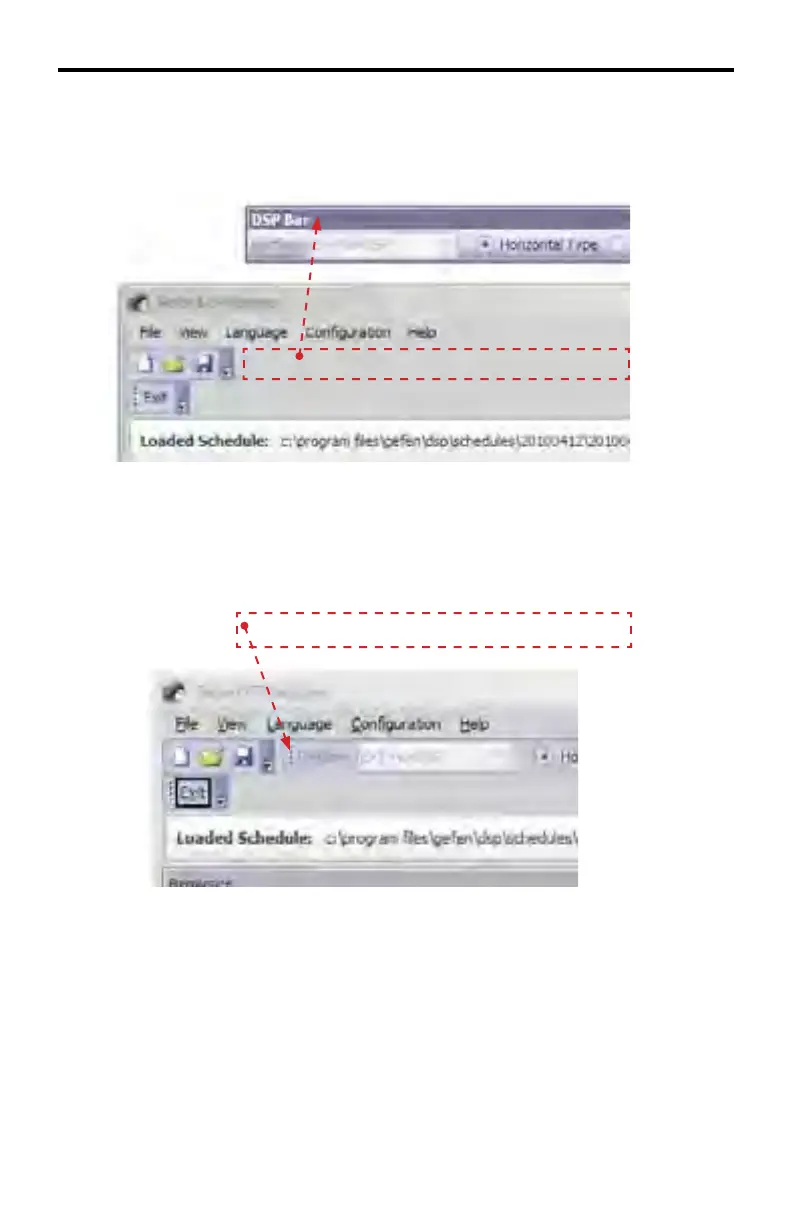
To move the toolbar, click and drag the Toolbar outside of the DSP Designer, then
release the mouse to finish positioning the toolbar.
In order to replace a Floating Toolbar to the DSP Designer, click and hold the top
portion of the toolbar. The mouse cursor will change to the crossed arrows icon.
Drag the toolbar over the toolbar area of the DSP Designer.
Note that a Floating Toolbar can also be repositioned anywhere within the top
portion of the DSP Designer.
DSP DESIGNER SOFTWARE



 To Next Page