133
DSP SERVER SOFTWARE
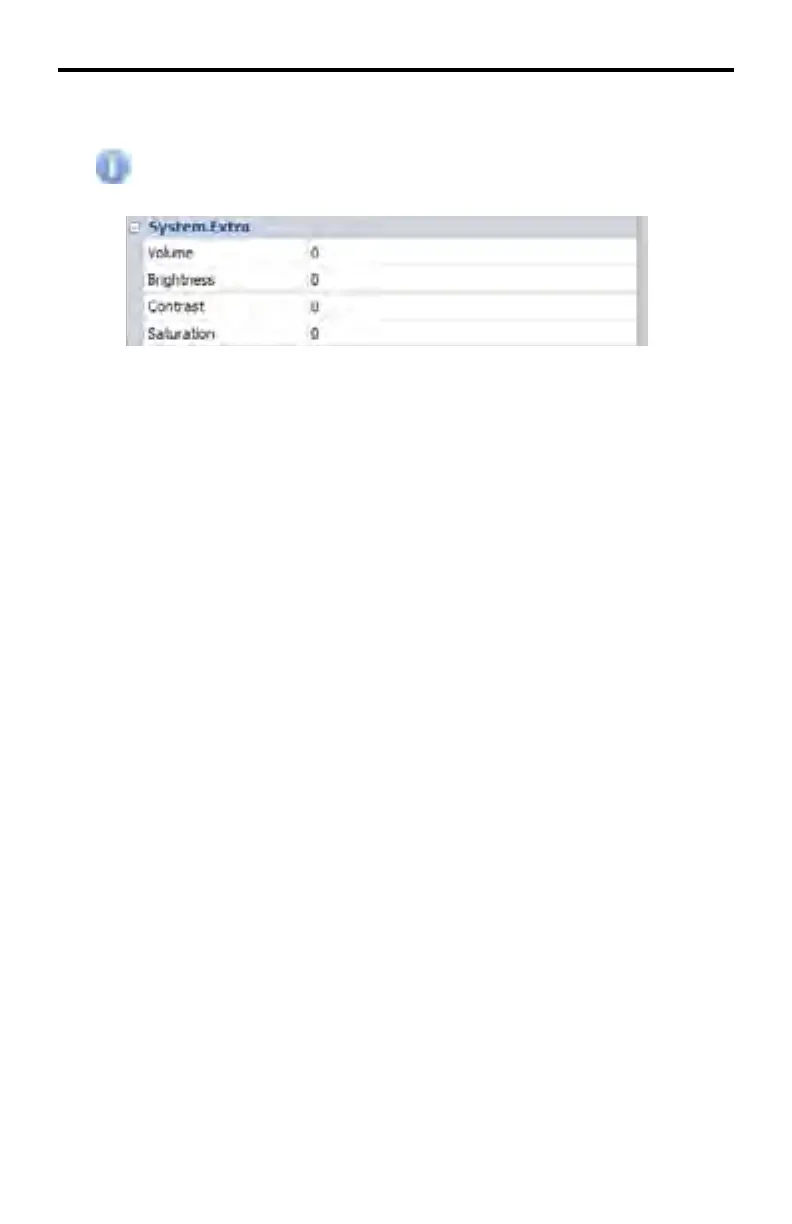
DeviceView > System.Extra
The information contained under this section can be edited when the
Edit Mode > System Section box is checked.
System.Extra > Volume
If audio is used in the digital signage presentation, this box displays the volume
level. If Edit Mode is enabled, the slider control adjusts the volume level (0 - 31).
System.Extra > Brightness
Displays the brightness level. If Edit Mode > System Section is enabled, the
slider bar allows control of the brightness (0 - 31).
System.Extra > Contrast
Displays the contrast level. If Edit Mode > System Section is enabled, the slider
bar allows adjustment of the contrast (0 - 31).
System.Extra > Saturation
Displays the (color) saturation level. If Edit Mode > System Section is enabled,
the slider bar allows adjustment of the color saturation (0 - 31).



 To Next Page