139
Relocating the Device View window
Sometimes it will be more convenient to have continued access to the Device
View window but have the window positioned elsewhere on the screen. The
Device View can be detached from the main DSP Server window, converting
the window to a fl oating window. There are two ways to make the Device View
window a fl oating window.
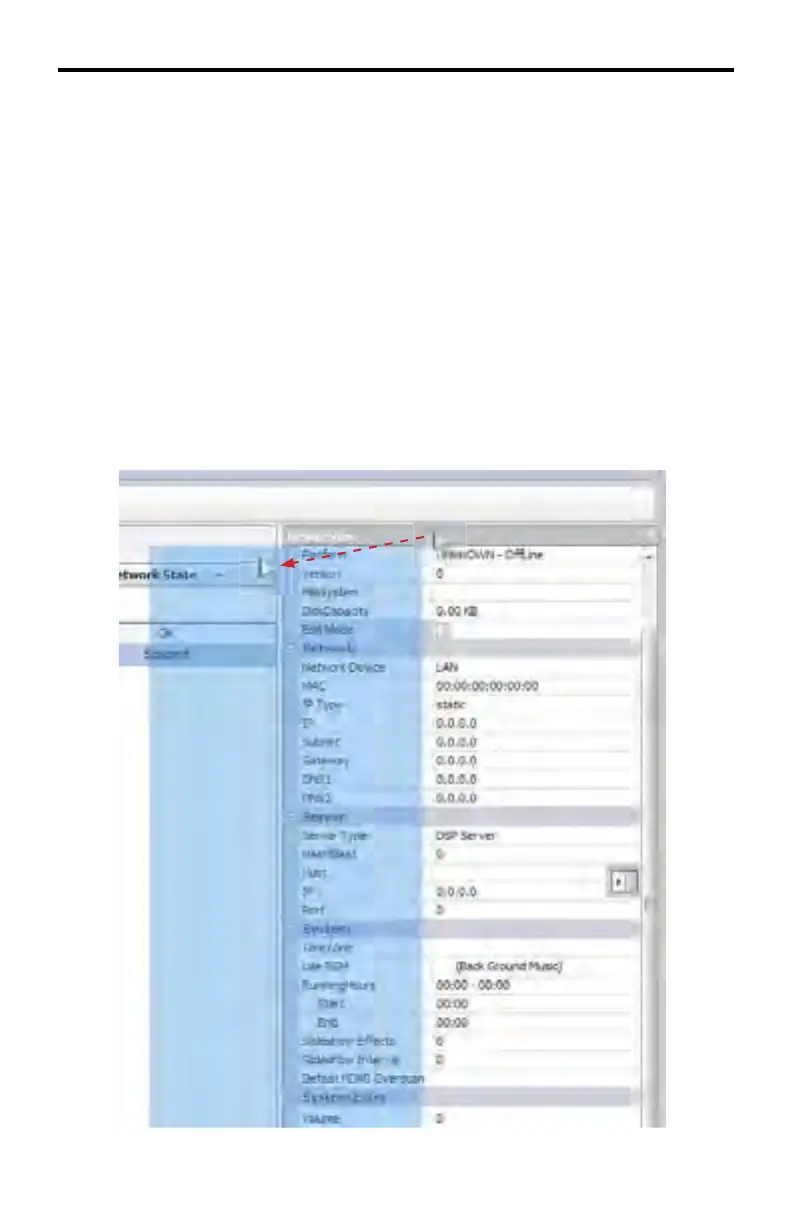
Detaching the Device View window (fi rst method)
1. Click the title bar portion of the Device View window and hold down the
mouse button.
2. Move the mouse away from the original position of the window, as shown
below. The window’s current position will appear as a transparent blue rect-
angle until the mouse button is released.
DSP SERVER SOFTWARE



 To Next Page