141
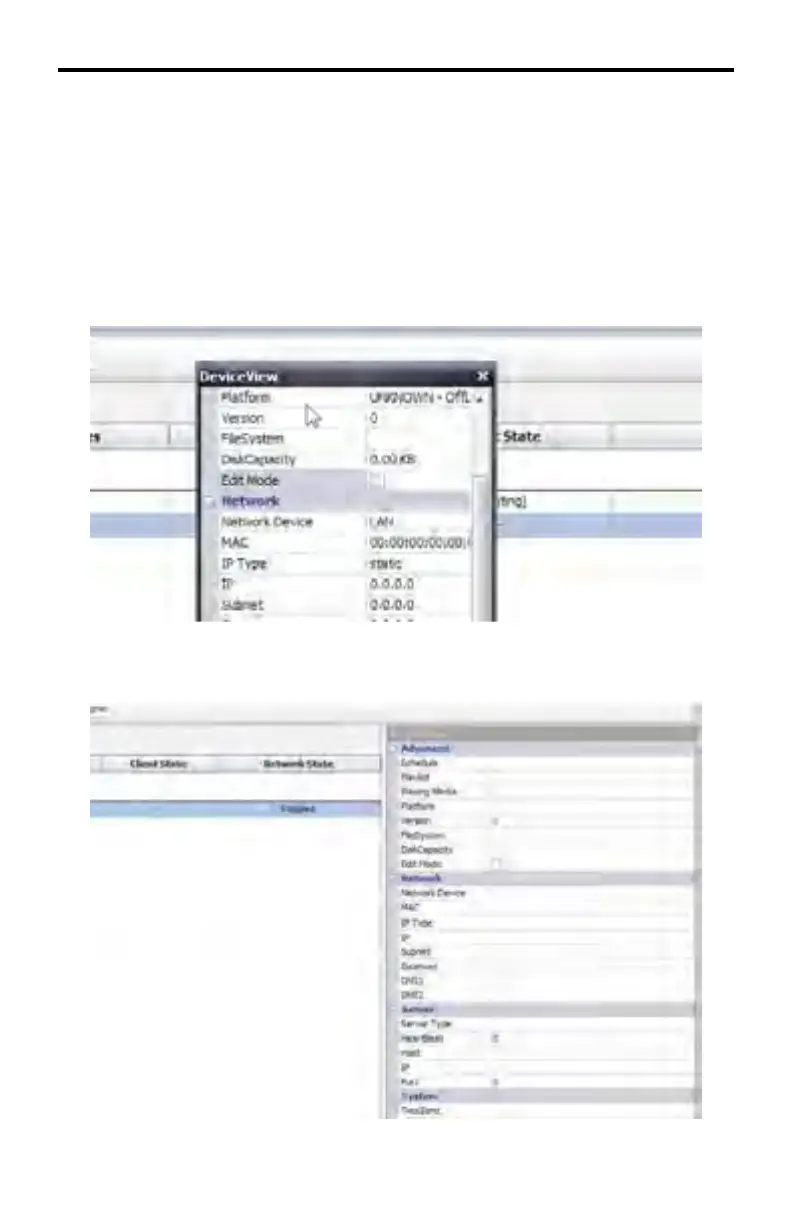
From this position, the Device View window can be moved at any time simply by
clicking and dragging the title bar portion of the window to the desired position.
When moving the window to a new position, the Device View window will become
a transparent blue rectangle.
Restoring the fl oating Device View window to the DSP Server window
To restore the Device View window to its default position, double-click the title bar
of the Device View window.
The Device View window is now in the default position.
DSP SERVER SOFTWARE



 To Next Page