13
4. By default, the installation will select a Normal Install. The installation type
can be selected from the pull-down list in the Choose Components dialog.
Other installation options include Custom Install or Reinstall. If the DSP
Software is already installed on the computer, the installer will detect the
previous installation and default to the Reinstall option. Click the Next button
to continue with the installation.
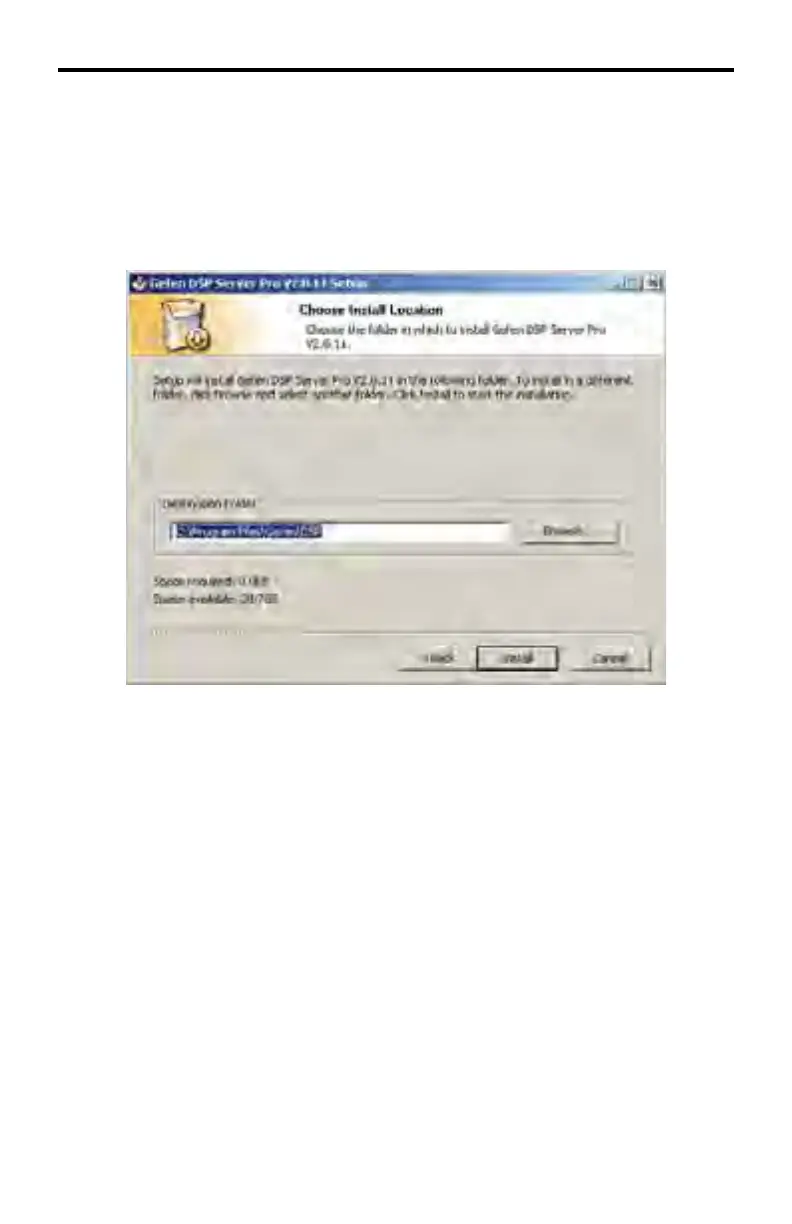
5. The default location for installing the Gefen DSP Server Pro software is
C:\Program Files\Gefen\DSP
Click the Install button to install the Gefen DSP Server Pro software to the
selected location.
The installation locating may be changed by clicking the Browse... button. If
the Browse... button is selected, a Browse for Folder dialog will be displayed.
Network path names are not accepted as valid installation locations.
HI DEF DIGITAL SIGNAGE PLAYER SOFTWARE



 To Next Page