38
Customize > Toolbars > Menu Bar
This option cannot be changed. The Menu Bar must always be displayed as part
of the DSP Designer software.
Customize > Toolbars > Standard
Use this option to show or hide the Standard Toolbar.
Customize > Toolsbars > DSP Bar
Use this option to show or hide the DSP Bar.
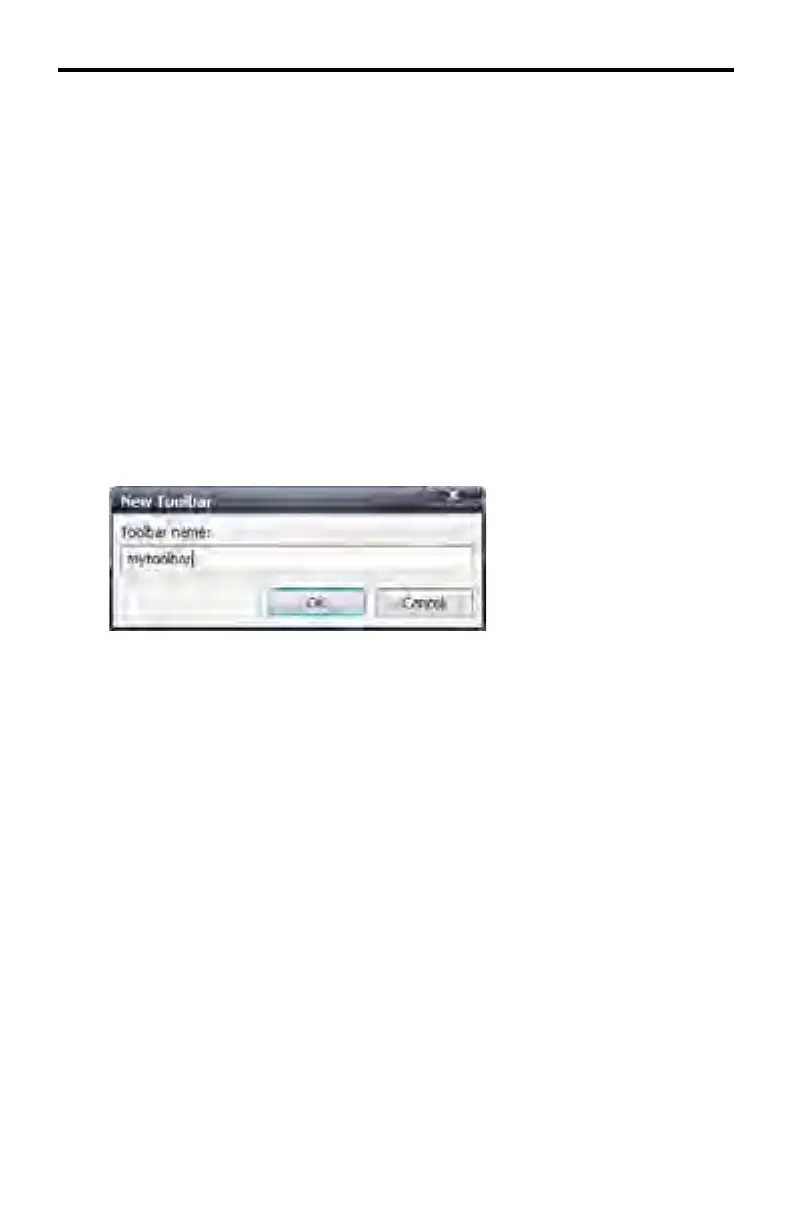
Customize > Toolbars > New...
Allows the creation of a custom toolbar. After clicking the New... button, a dialog
will be displayed prompting for the name of the new Toolbar. Type the name for
the new toolbar and press ENTER.
DSP DESIGNER SOFTWARE



 To Next Page