55
DSP DESIGNER SOFTWARE
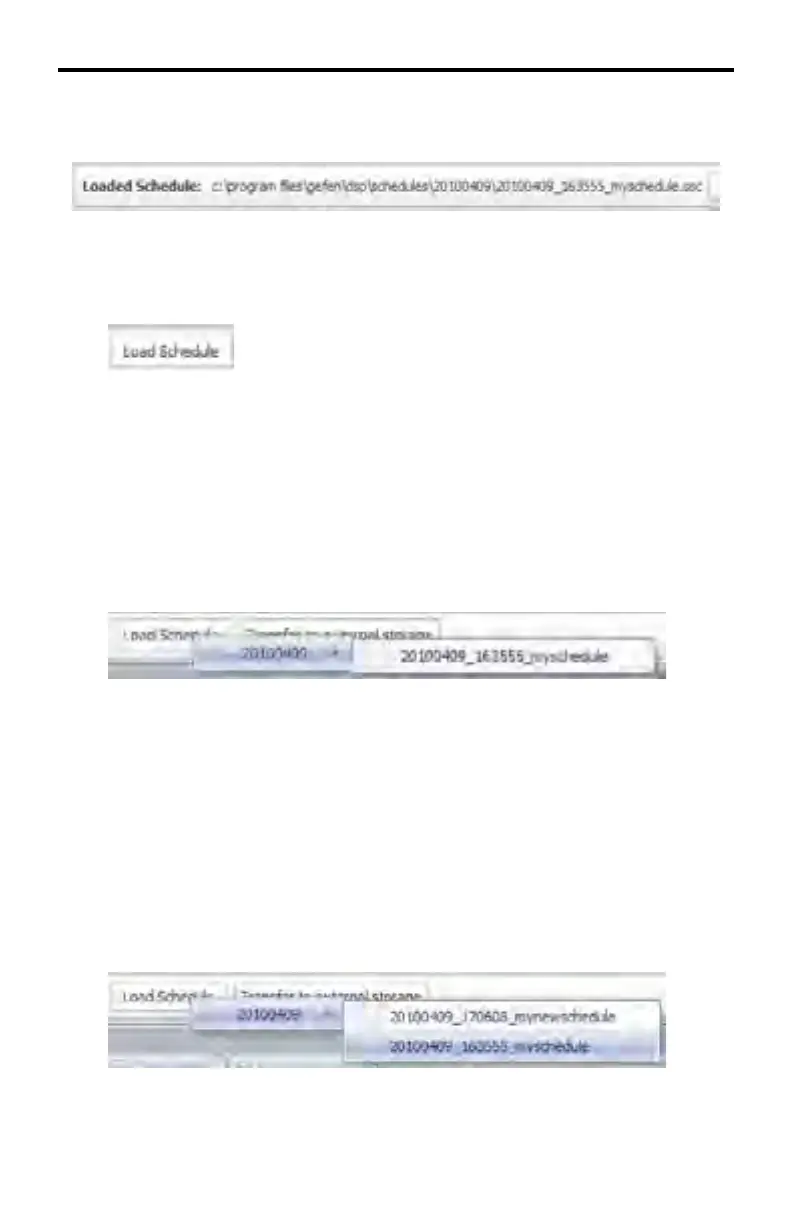
Located under the Standard Toolbar and DSP Bar shows the full path to the data
directory of the currently loaded Schedule filename.
To the right of the full path of the working directory are two more buttons:
Load Schedule
Clicking the Load Schedule button will display a list all created projects. Moving
the mouse to the right will list all the Schedules created on a particular day (if
available).
Example 1
A Schedule folder was created on April 9, 2010 under the working directory.
Within this directory, there is a file named 20100409_163555_myschedule (see
page 26 - 27 for directory and filename conventions).
Example 2
In the next example, another Schedule File was created on the same day (April
9, 2010) but with a different filename. The DSP Designer placed this Schedule
File under the same Schedule Directory. Since there are two Schedule Files in
the same Schedule Directory, either one of these files can be loaded into the
DSP Designer.
If another Schedule was created on a different day (e.g. April 10, 2010), there
would be two Schedule Folders (20100410 and 20100411) listed under the Load
Schedule button.



 To Next Page