77
DSP DESIGNER TUTORIAL
When the mouse moves over each color, a text box displays details of the
current color.
After the color has been selected, the Text Color swatch will close. The
selected color will appear under the “A” in the text color swatch pull down
menu.
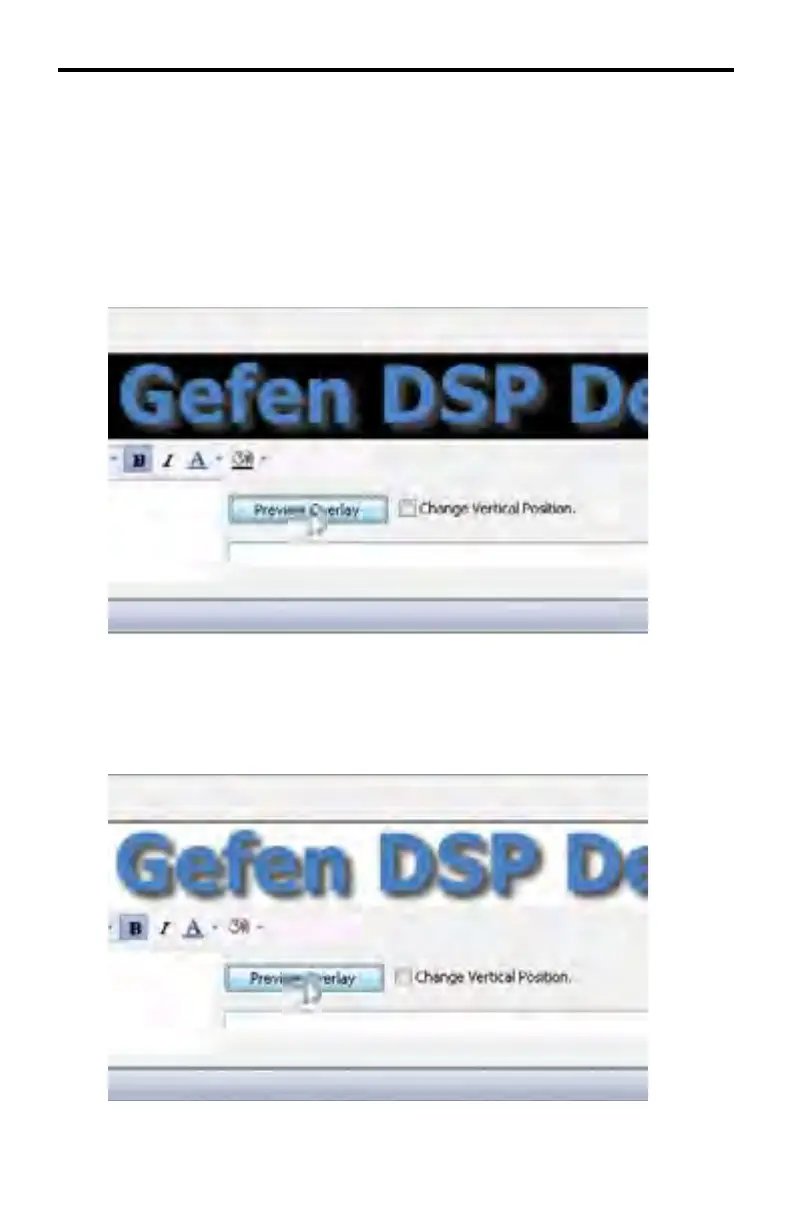
To apply the color to the text, click the Preview Overlay button:
The background color can also be changed in the same way. Click the
Background Color swatch and follow the same steps as as setting the Text
Color. In the example below, the background color has been changed from
black to white. As with all changes to the text attributes, the Preview Overlay
must be pressed in order to preview the result:



 To Next Page