1
2
3
4
5
6
7
8
9
10
11
12
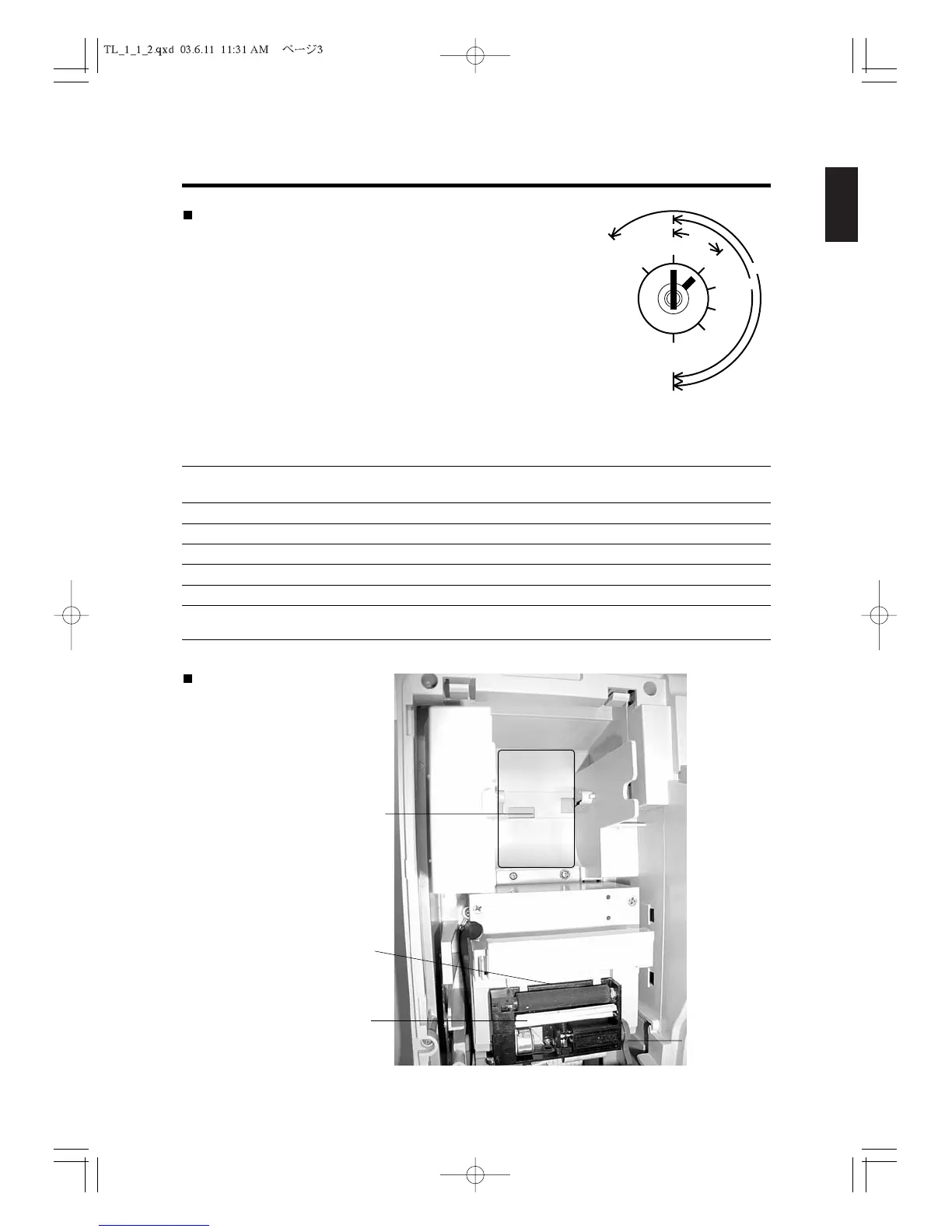
Control Lock
The control lock allows you to change the cash register mode.
Your register is equipped with seven modes. The cash register is
always in one of these nine modes for any operation. Keys are a
set of three kinds such as marked as “OW,” “MA” and “OP”
respectively.
OW
: Key for Owner can access all key positions.
MA
: Key for Manager can access “L,” “R,” “V,”
“X,” “Z” and “P1” positions.
OP
: Key for Operator can access “L” and “R” positions.
The following table shows the modes the cash register is equipped with.
Mark Mode Name Functions
P2
Program 2 Used to program “SYSTEM FLAG,” “PASSWORD,” “TRANSACTION
NAME” etc.
L
Lock mode Used to turn off the cash register. This mode disables all operations.
R
Register mode Used for normal checkout operations.
V
Void Used to correct the registration.
X
Read Report Used to read and print the Sales Reports.
Z
Reset Report Used to read, reset and print the Sales Reports.
P1
Program 1 Used to program “DATE/NAME/NUMBER,” “DEPARTMENT,”
“PLU” etc.
Printer
The figure shows the printer
when the cover is removed
Receipt location
Paper entrance (under the roller)
Thermal head



 To Next Page