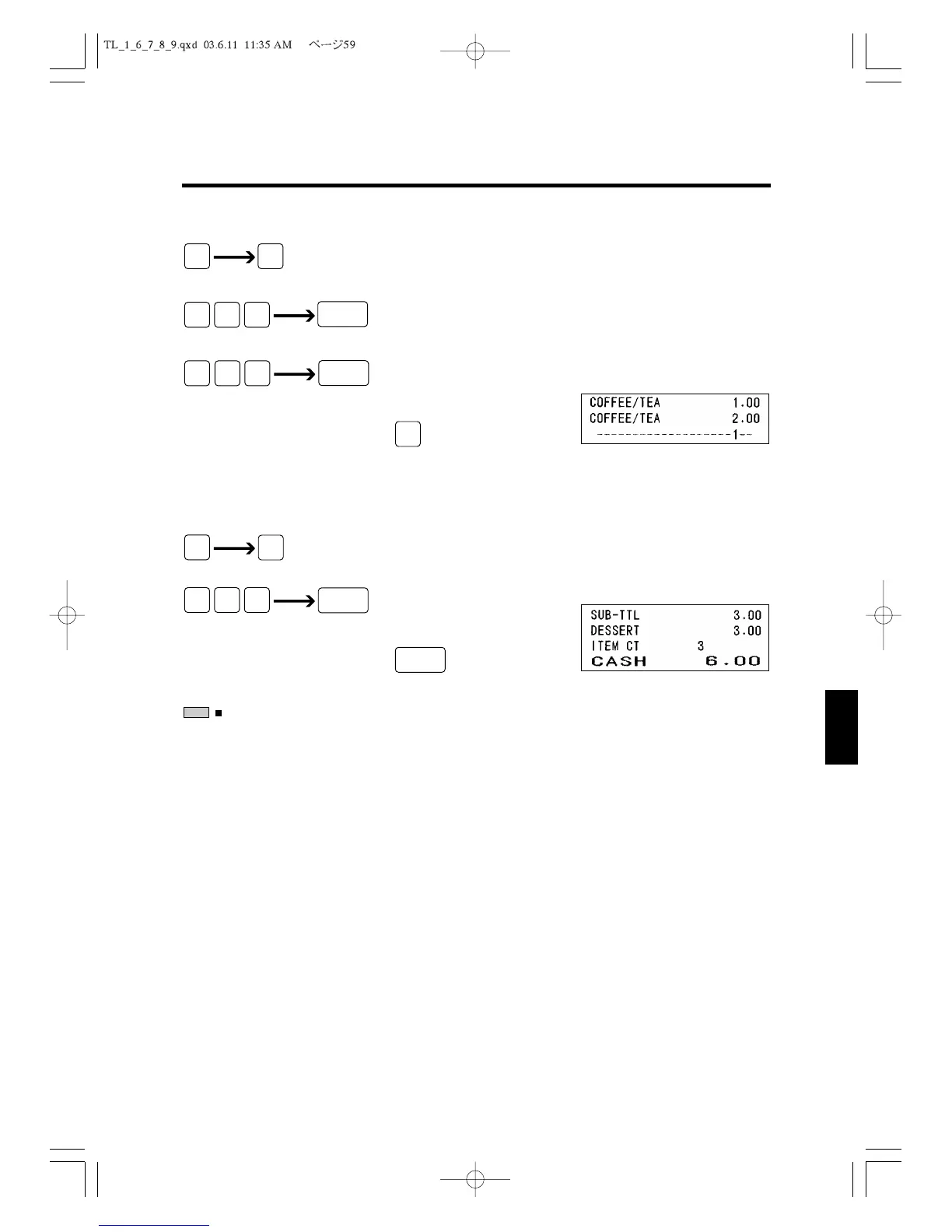
1) Normal operation interrupted by HOLD
(Clerk ID#)
(Department)
(Department)
2) Releasing Hold and continuing registration
(Clerk ID#)
(Department)
: Hold operation
Except the HOLD key operation, there are two other ways to HOLD.
1. Set System Flag 12, N2 : 1.
When the new clerk password is entered, the current transaction is automatical-
ly held.
2. Setting Auto Hold Time (Second).
When the preset seconds pass without any operation, the registration is auto-
matically held.
Please refer to 5.6 Setting TIMER AND ALARM.
NOTE



 To Next Page