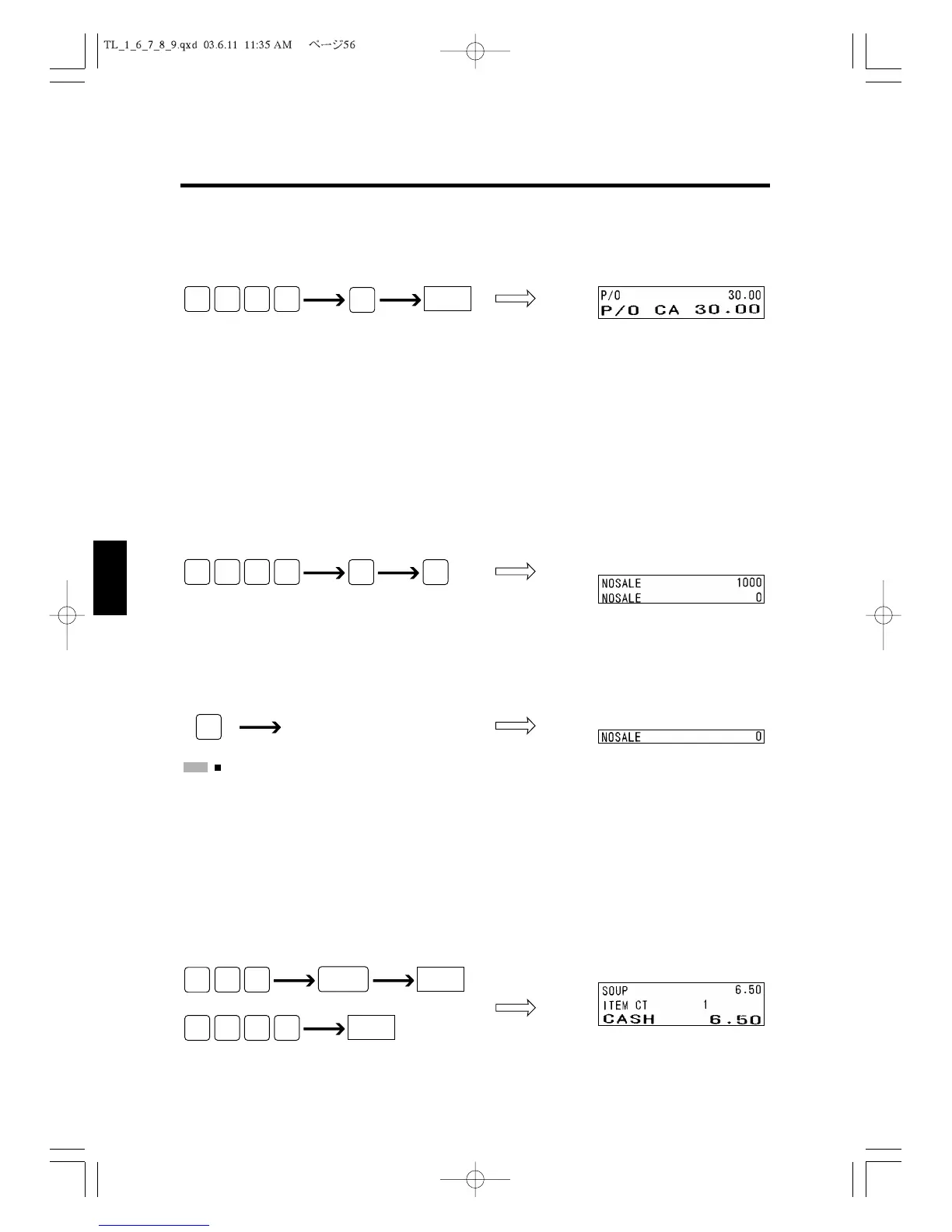
Paid Out
The following example shows how you register the $30.00 petty cash removed from a
drawer.
6.12 Exchanging Money and Opening the Drawer
This section explains how you operate when changing money. This section describes how
to open the drawer without making a sale.
Exchanging Money
When a customer requests change, you can enter the amount received from the customer.
The amount will be printed in the reports but it is not added to total sales amount.
Opening the Drawer
You can open the drawer without making a sale. To open the drawer, just press the
#/ST
Key.
:
You can also open the drawer with the lever on the bottom of the drawer. “Opening the Drawer
Manually.”
6.13 Calculation of change after the transaction finalized
The amount of change can be displayed on the customer display if there is a payment by
tendering from the customer after ringing up.
Control lock: R position
**The amount of change (=350) is displayed on the customer display.
CASH



 To Next Page