Parity: 0 Off
1 On
Parity: 0 Odd
1 Even
To move to COM 2, just press
PAGE UP
. To return to PROGRAM 2 MENU, press
ESC
.
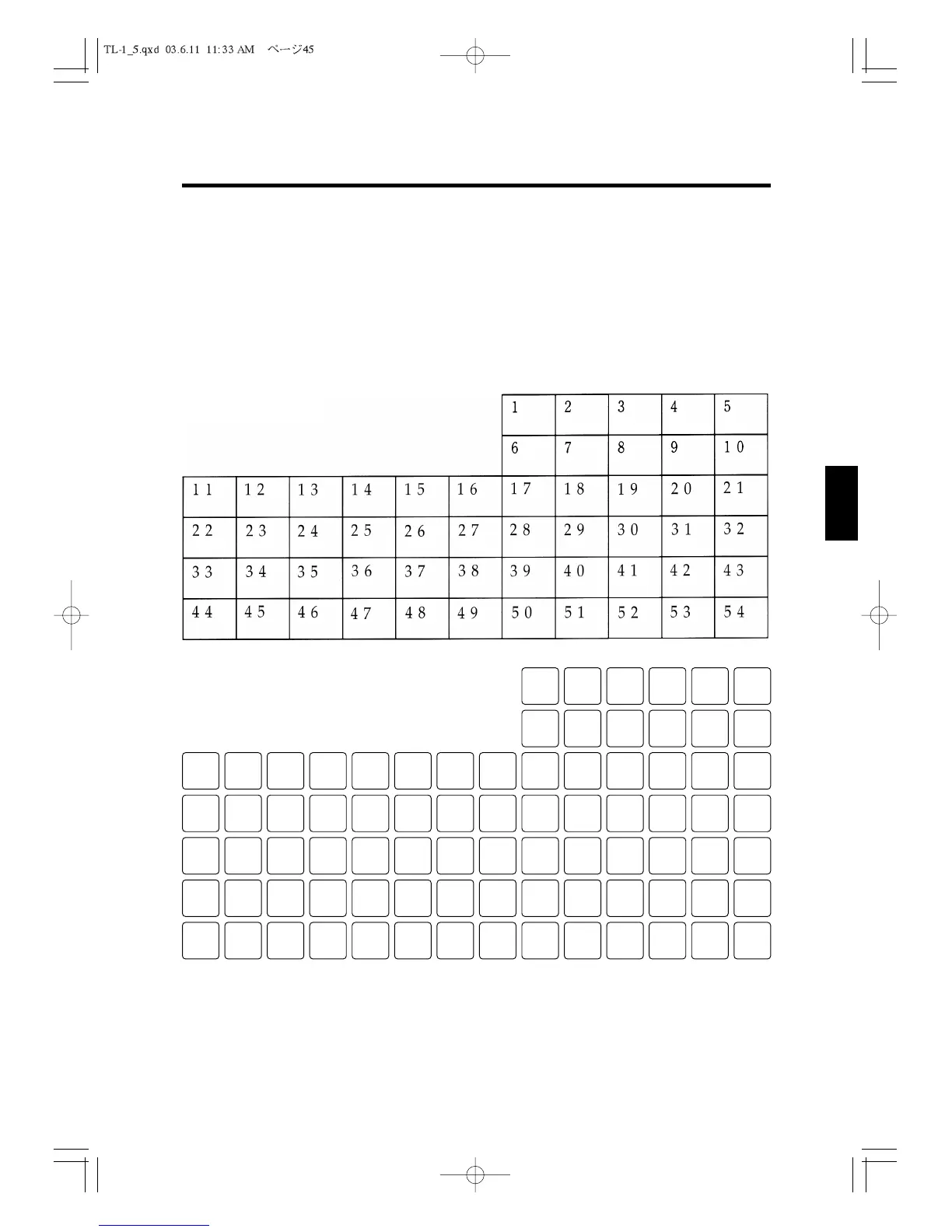
5.8 Setting KEY LAYOUT
*Flat Keyboard
All the keys can be changed their functions.
1 2 3 4 5 6
7 8 9 10 11 12
13 14 15 16 17 18 19 20 21 22 23 24 25 26
27 28 29 30 31 32 33 34 35 36 37 38 39 40
41 42 43 44 45 46 47 48 49 50 51 52 53 54
55 56 57 58 59 60 61 62 63 64 65 66 67 68
69 70 71 72 73 74 75 76 77 78 79 80 81 82
*Raised Keyboard
5. P2 programming
45
1
2
3
4
5
6
7
8
9
10
11
12



 To Next Page