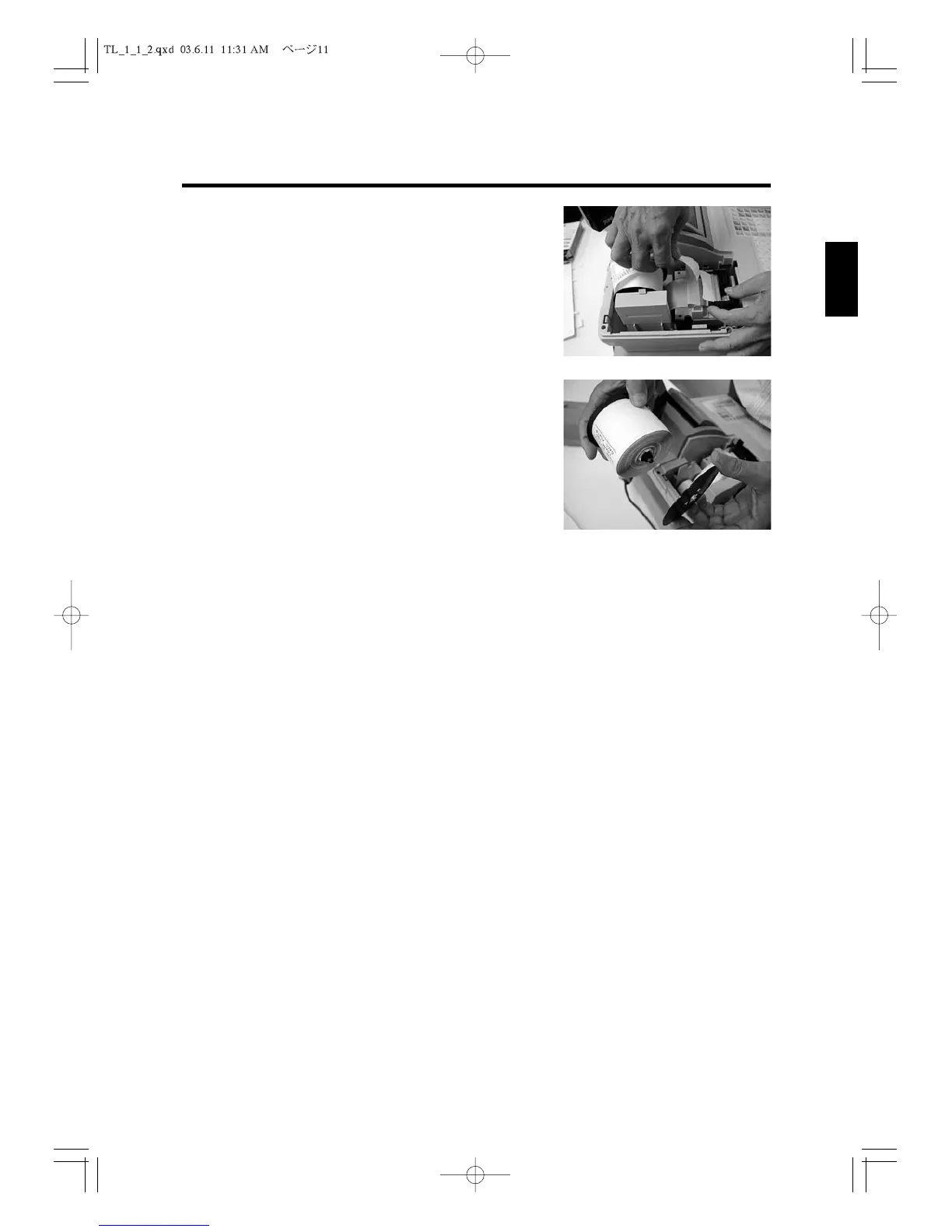
3. Feed the paper about ten lines forward with the FEED
key. (See Fig.9)
4. Remove the take-up reel from the support.
5
. Cut the paper after the end of printing. (See
Fig.10
).
6.Remove the stopper from the take-up reel.
7
. Remove the paper record from the take-up reel.(See
Fig.11
).
8
. Remove the remaining paper roll by pressing
FEED
key.
When you have finished removing the paper, install a
new one and close the printer cover. See “Installing a
Paper Roll.”
11
2. Setting Up
1
2
3
4
5
6
7
8
9
10
11
12
Fig.10
Fig.11



 To Next Page