In both cases, the system moves on to the next function.
Repeat the above steps to enable or disable other functions.
When the last function is programmed (either with the touch key or the ignition key), in
addition to the confirmation tone, 2 Bops and 1 Beep will sound and the turn indicators will flash
twice
These last 2 signals confirm the end of the programming procedure
.
.
OFF-ON
Bop
Beep
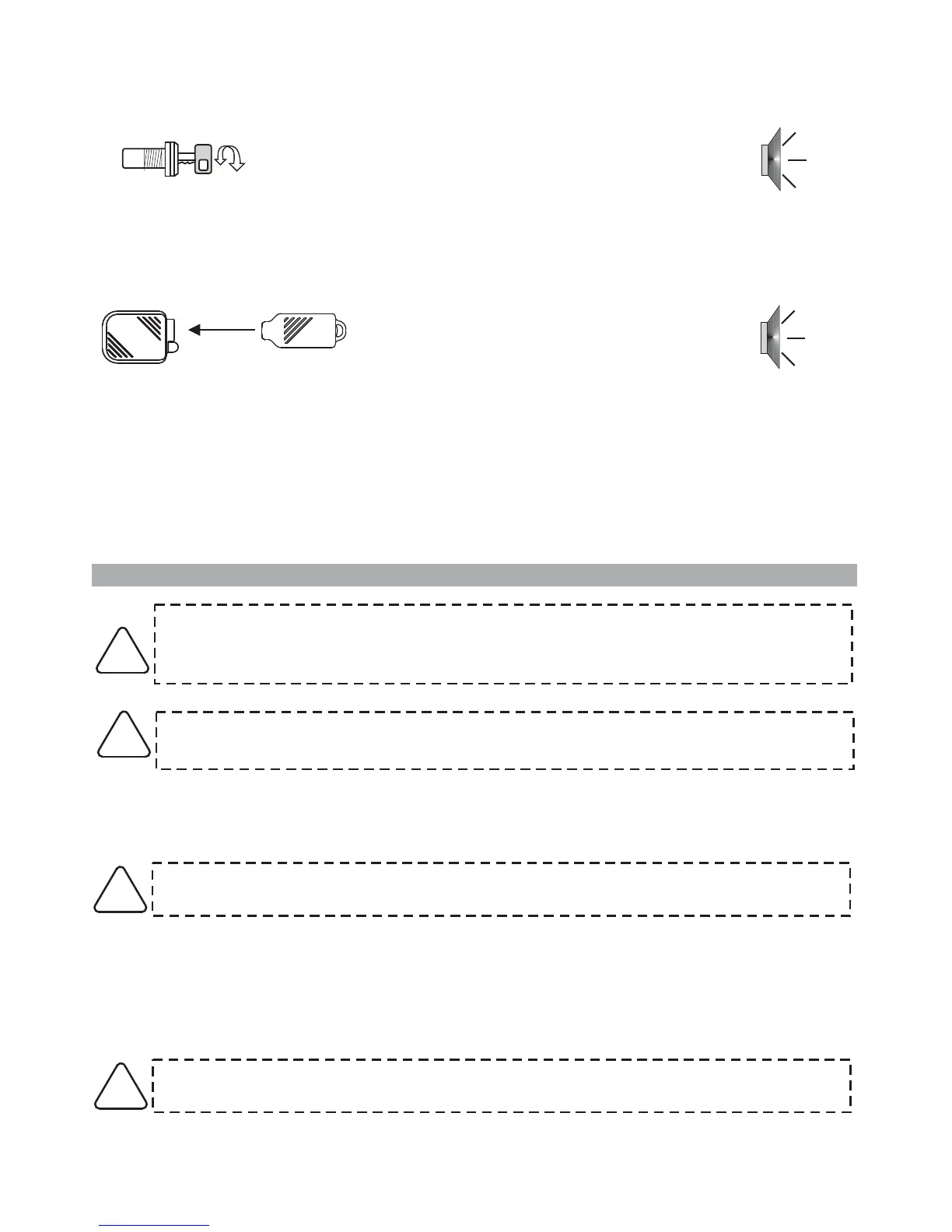
Turn ignition key “OFF” and then back “ON” to
disable the function.
.
A Bop confirms the operation
The LED flashes according to the selected
function (from 1 to 7).
OR
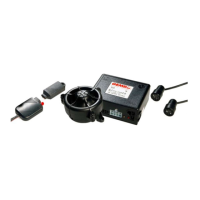
Touch the key once to its receptacle to enable
the function.
.
A Beep confirms the operation
The LED flashes according to the selected
function (from 1 to 7).
PAGE 14 - INSTALLER MANUAL
To carry out the operation successfully, make sure the required connections
(bonnet switch and ignition) are complete.
If there is no bonnet switch, ground the GREEN wire (20-pin connector, pos. 15).
To activate the code-learning mode proceed as follows:
• With the system disarmed, open the vehicle bonnet and keep it opened or ground the GREEN wire.
10.0 - LEARNING NEW DEVICES
Storing memory is for 55 devices.
If an extra device is added, it automatically deletes the first device stored in memory.
!
!
The following “ON-OFF” cycles must be carried out within 4 seconds otherwise the
procedure is invalidated.
!
• Cycle the ignition key 4 times: “ON-OFF” - “ON-OFF” - “ON-OFF” - “ON”.
•At the 4th cycle leave ignition “ON”.
• To confirm it has entered in learn mode, 2 acoustic signals will sound (a Beep and a Bop), the turn
indicators will flash once and the turn ON.status LED will
Do not close the bonnet otherwise all previously programmed devices will be erased as
described in the next paragraph.
!



 To Next Page