19
Ref Component Description
Kensington
lock
Locks the Keyboard Dock to a stationary object for
security.
DisplayPort
connector
Connects an external display monitor.
HDMI connector
Connects a HDMI monitor or TV set.
RJ45 connector Connects the LAN cable.
USB 3.2 port Connects a USB device.
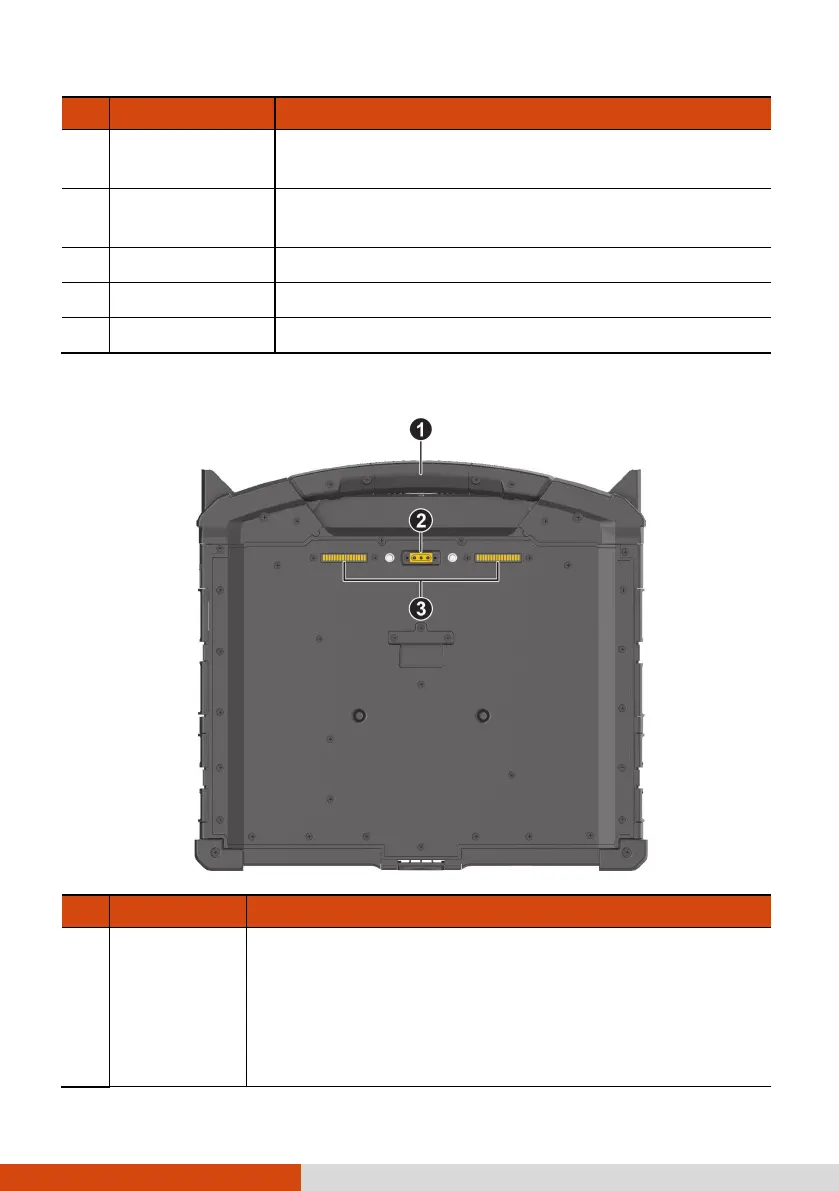
Bottom Components
Ref Component Description
Handle Provides a convenient way to carry the computer.
The extendable handle also serves as a stabilizer for
the touchscreen to hold firm when you tap on it.
NOTE: When carrying the computer around, always
use the handle or the carrying strap (purchased
separately).



 To Next Page