52
Using the Barcode Reader
(Optional)
NOTE:
For enhanced applications and customization of the module, you can
use the Barcode Manager program. (For detailed information on the
program, see the program’s online help.)
The maximum operating temperature for the barcode reader is 50 °C
(122 °F).
If your model has the barcode reader module, you can scan and decode
most common 1D and 2D symbologies.
To read barcodes:
1. Start your processing software and open a new or existing file. Place the
insertion point (or called cursor) where you want the data to be entered.
2. Press the Trigger button (P2) on your Tablet. (The button function is
configured by G-Manager.)
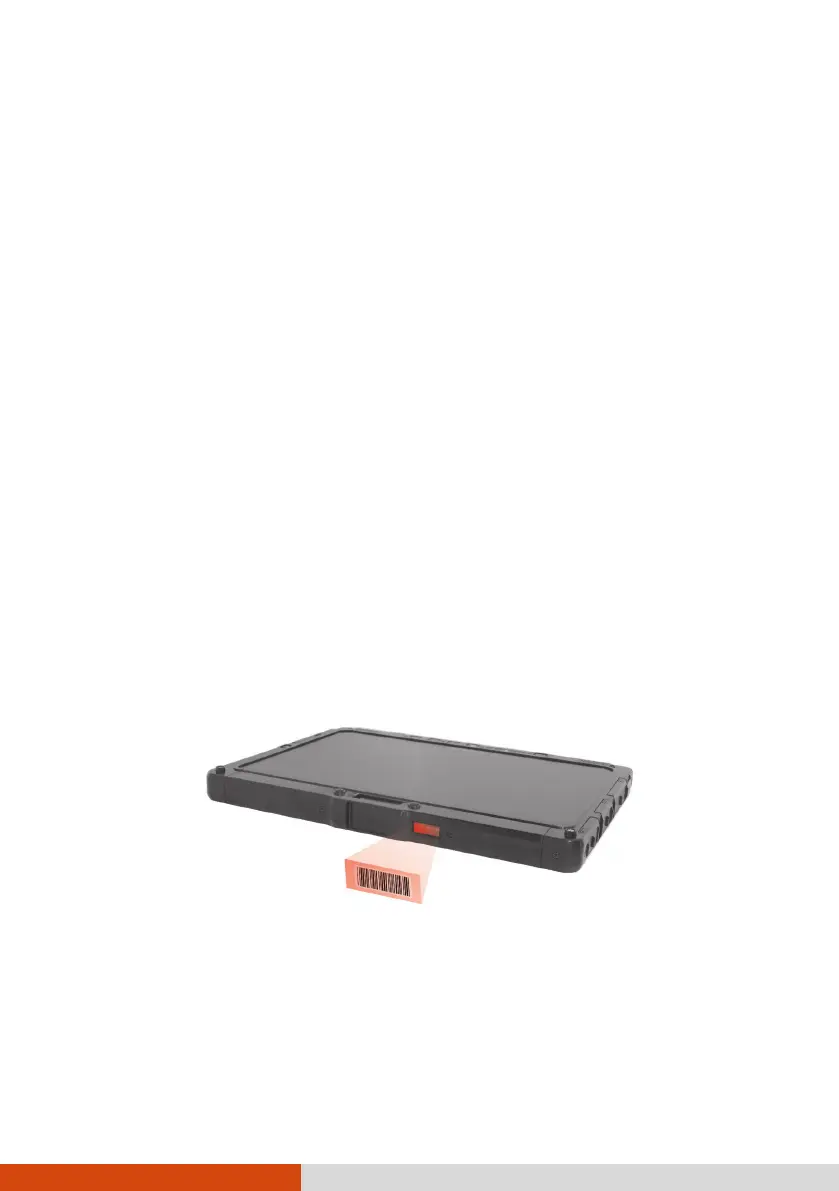
3. Aim the scan beam at the barcode. (The scan beam projected from the
lens varies with models.)
Adjust the lens’ distance from the barcode, shorter for a smaller barcode
and farther for a larger one.
NOTE: Improper ambient light and scanning angle can affect the scanning
results.
CAUTION: When or immediately after using the barcode scanner for a long
time, do not touch the lens area as the area might be hot.
4. Upon a successful scan, the system beeps and the decoded barcode data
is entered.



 To Next Page