32
Numeric Keypad
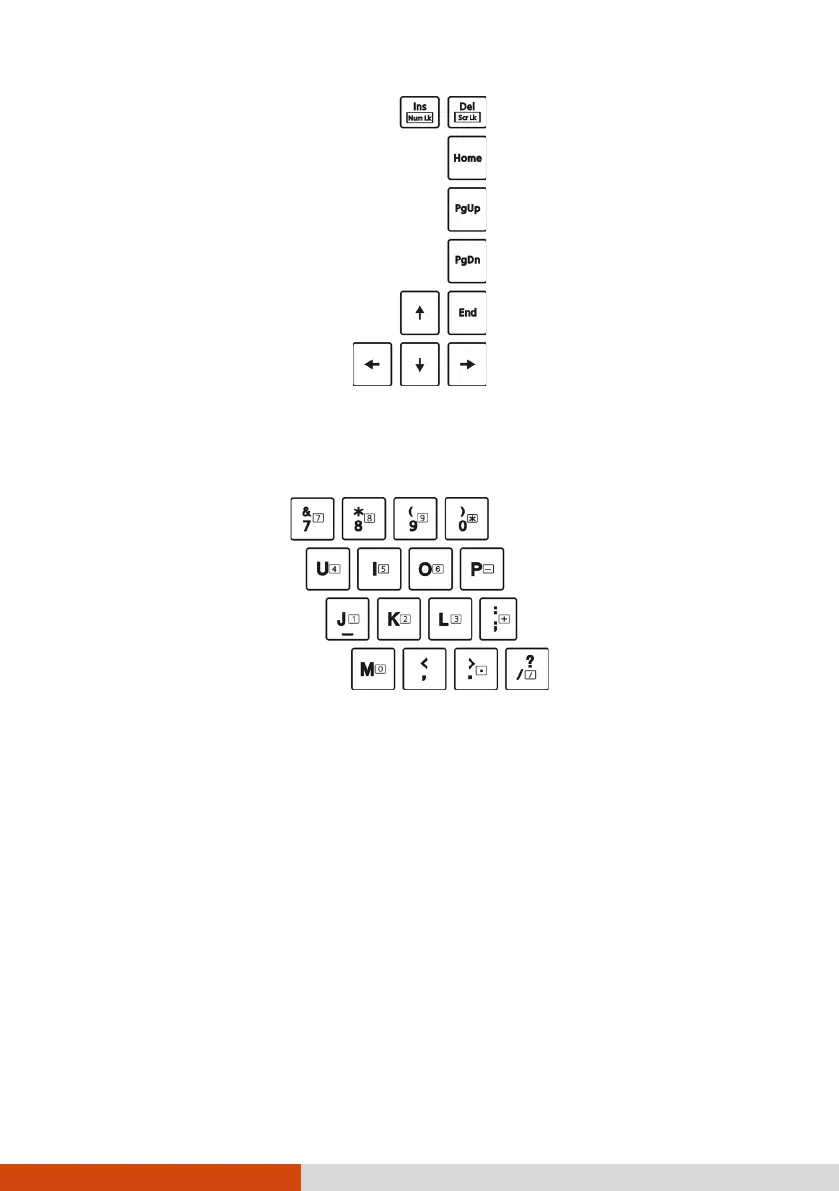
A 15-key numeric keypad is embedded in the typewriter keys as shown next:
Numeric keys facilitate entering of numbers and calculations. When Num
Lock is on, the numeric keys are activated; meaning you can use these keys
to enter numerals.
NOTE:
When the numeric keypad is activated and you need to type the English
letter in the keypad area, you can turn Num Lock off or you can press Fn
and then the letter without turning Num Lock off.
Some software may not be able to use the numeric keypad on the
computer. If so, use the numeric keypad on an external keyboard instead.
The Num Lock key can be disabled. (See “Main Menu” in Chapter 5.)
Function Keys
On the top row of the keys are the function keys: F1 to F12. Function keys
are multi-purpose keys that perform functions defined by individual programs.



 To Next Page