9
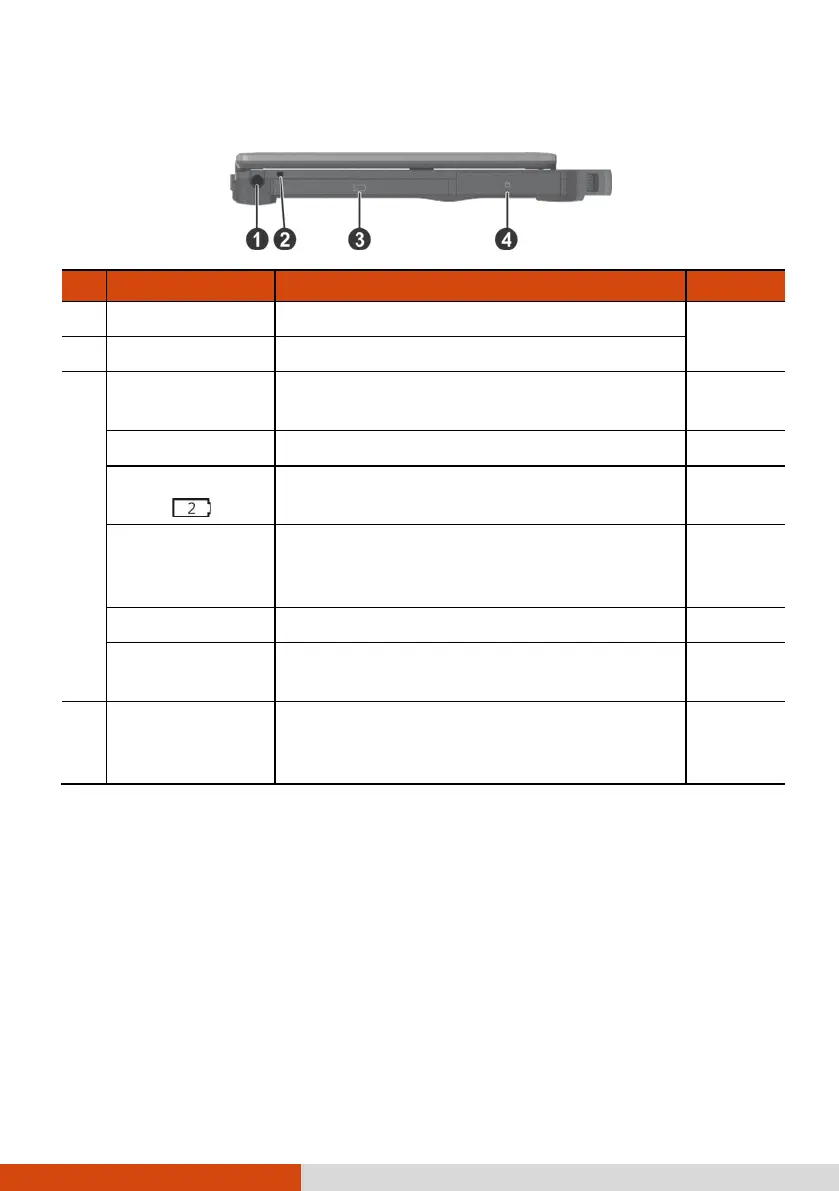
Left-Side Components
Ref Component Description See Also
Stylus Slot For storing the stylus (optional). P. 25
Tether Hole Stylus tethered to this hole.
Multi-purpose
Bay
Depending on the model, the component
can be one of the following:
None
Second Battery
Pack ( )
Supplies power to your computer when
external power is not connected.
P. 46
Super Multi
Drive
Accepts a compact disc for installing or
loading software, accessing data, and
playing music/video.
P. 37
PC Card Slot Accepts a PC card for additional functions. P. 61
ExpressCard
Slot
Accepts an ExpressCard for additional
functions.
P. 60
Hard Disk Drive
Is the storage device that contains the
operating system, software programs, and
data files.
P. 62



 To Next Page