48
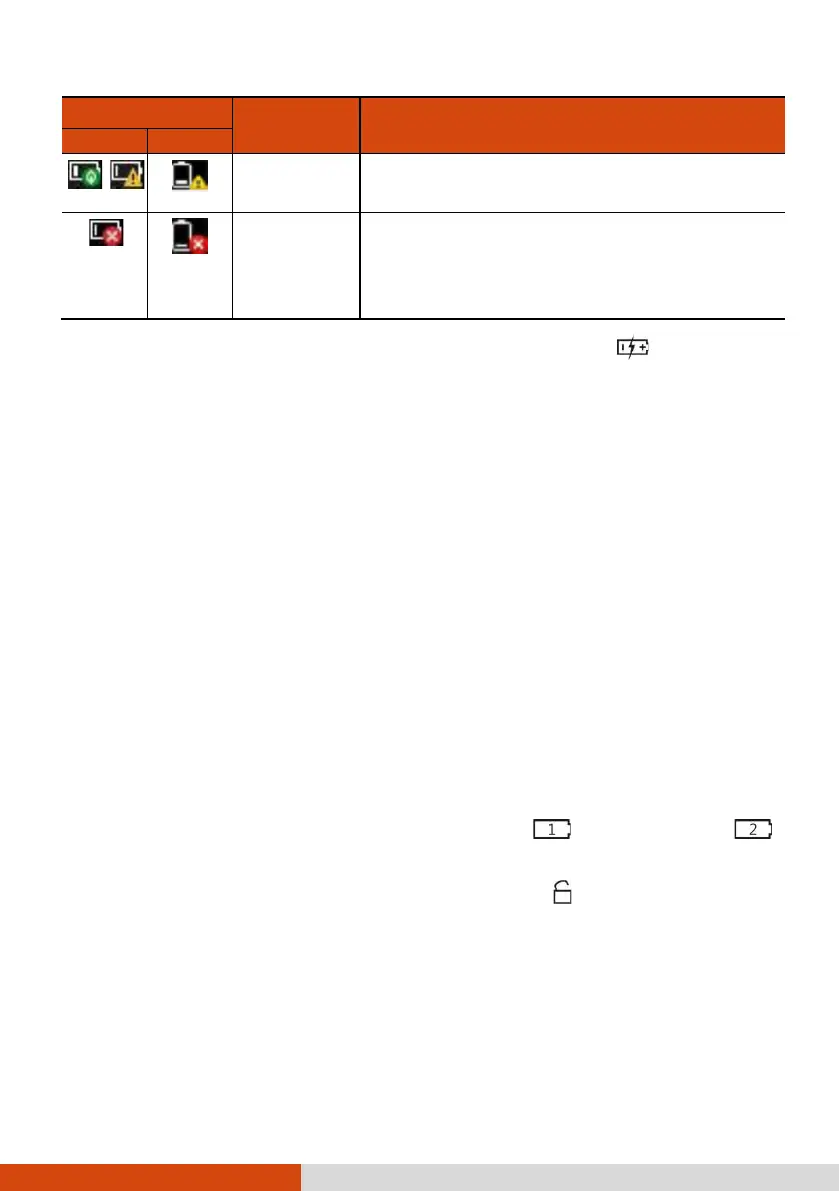
Battery Icon
Battery Level
Description
Windows 10
Windows 7
Low
The battery charge has reached the low-
battery level.
Critically
low
The battery charge has reached the critical
battery level. By default, Windows will
display a notification and put your computer
into Hibernation.
When the battery is low, the computer’s Battery Indicator (
) also blinks
red to alert you to take actions.
Always respond to low-battery by connecting the AC adapter, placing your
computer in Hibernation mode, or turning off the computer.
Replacing the Battery Pack
CAUTION:
There is danger of explosion if the battery is incorrectly replaced. Replace
the battery only with the computer manufacturer’s optional battery
packs. Discard used batteries according to the dealer’s instructions.
Do not attempt to disassemble the battery pack.
1. Turn off the computer and disconnect the AC adapter.
Skip this step if you are hot swapping the battery pack. (See “Hot
Swapping the Battery Pack (Optional)” for more information.)
2. Carefully place the computer upside down.
3. Locate the battery pack you want to remove ( on all models or
on select models).
4. Slide the battery latch to the unlocked position ( ) (
) and hold it
there. Meanwhile, grasp the edge of the battery pack using the other
hand and pull it out of the bay (
).



 To Next Page