26
Using the Quick Buttons
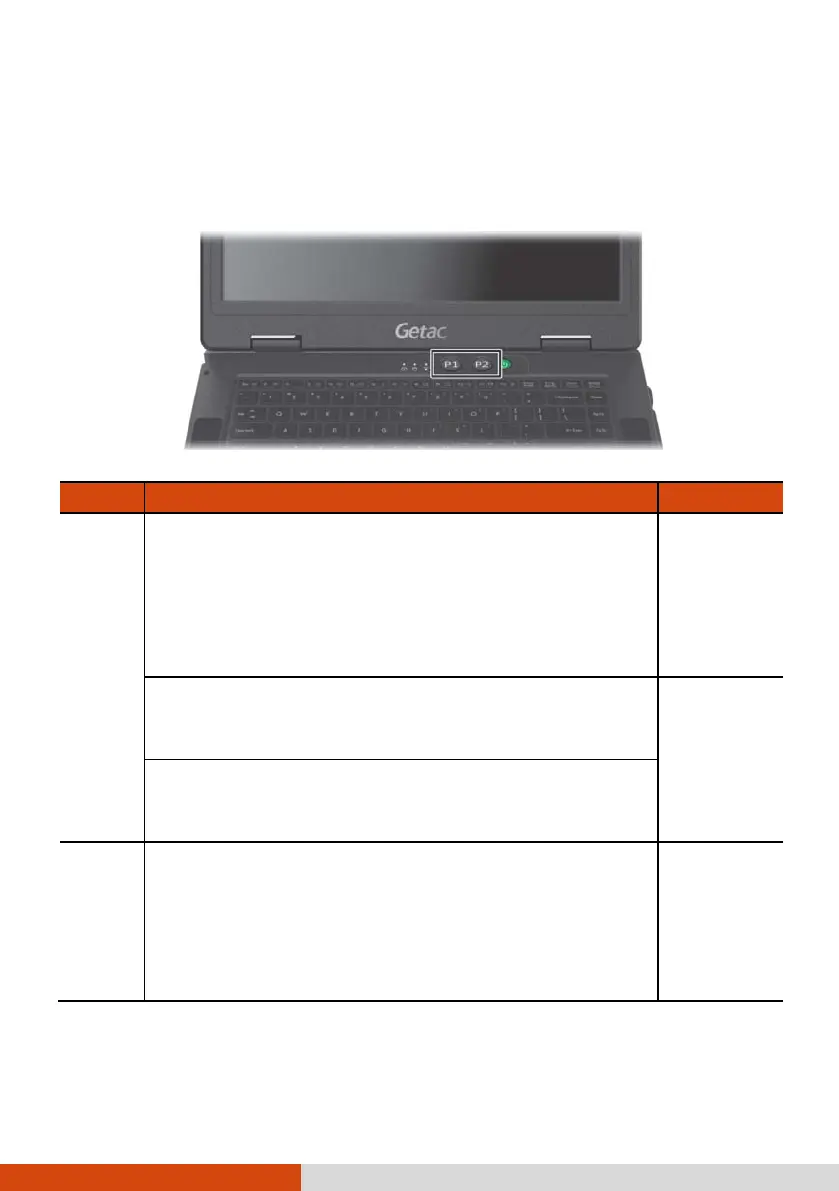
The Quick Buttons allow you to quickly start a program or activate a
function.
Button Description Remarks
P1
Toggles Blackout mode on or off.
In Blackout mode, the LCD backlight, keyboard/button
backlight, and LED indicators are all turned off; and
the sound is muted.
To bring the computer out of Blackout mode, press
the same button again or the power button.
Default
function
Can start a program based on your settings. (See
“Quick Button Definition Utility” in Chapter 6 for
more information.)
Alternative
functions
Can serve as “Emergency” button if set accordingly in
the BIOS Setup program. (For setup information, see
“Advanced Menu” in Chapter 5.)
P2
Toggles the sunlight-readable mode on or off.
In sunlight-readable mode, the LCD brightness is
increased to the highest level. The mode automatically
ends when the brightness setting is changed, the
computer resumes from Sleep/Hibernation mode, or
the computer is restarted.
Default
function



 To Next Page