57
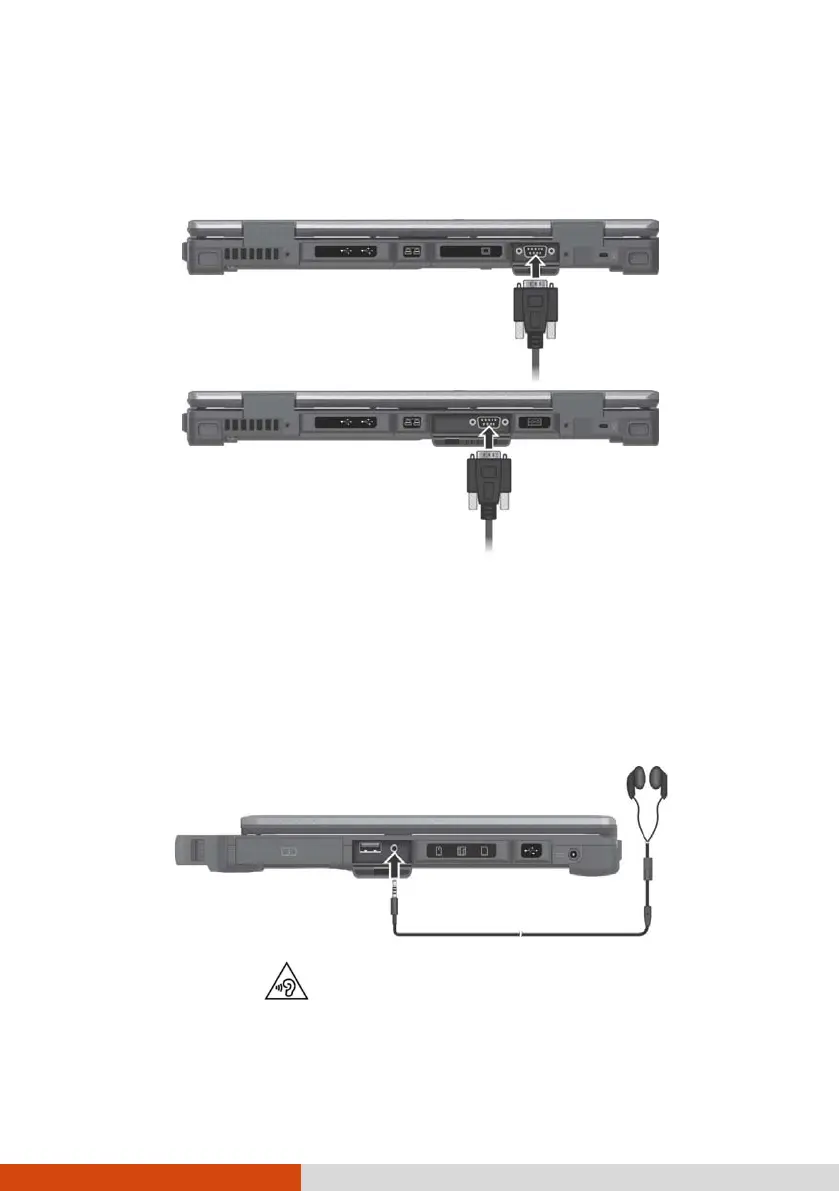
Connecting a Serial Device (Optional)
Select models have one or two RS232 serial ports for connecting a serial
device.
Connecting an Audio Device
For higher audio quality, you can send sound through an external audio
device.
The audio combo connector is the “4-pole TRRS 3.5mm” type (Apple iPhone
Recessed) so you can connect a compatible headset microphone.
SAFETY WARNING:
To prevent possible hearing damage, do not listen at high volume levels for
long periods.
COM2
COM1



 To Next Page