13
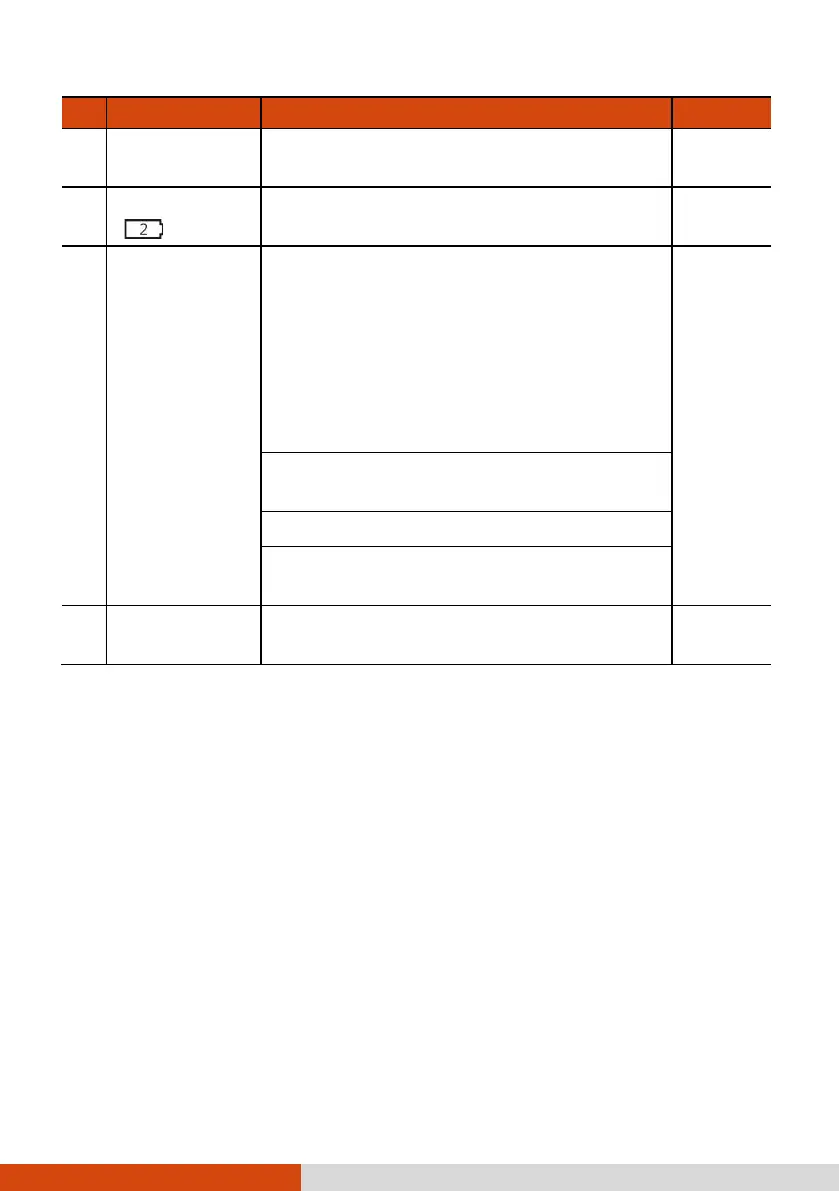
Ref Component Description See Also
Docking
Connector
Connects to the office or vehicle dock
(purchased separately).
Battery Latch
( )
Locks the second battery pack (if existing)
in place.
P. 48
Battery Hot
Swapping
Indicator
Lights up if you unlock the battery latch
while operating the computer on battery
power. The indicator is intended to inform
whether you can safely hot swap the
battery pack.
NOTE: This indicator works only if your
model has the second battery pack and/or
bridge battery.
P. 50
Green light: It is safe to hot swap the
battery pack.
Red light: Hot swapping is not allowed.
Blinking red light: The computer is
entering Hibernation mode.
Hard Disk
Drive Latch
Locks the hard disk drive in place. P. 62



 To Next Page