1-4
Getting Started
Opening and Closing the Cover
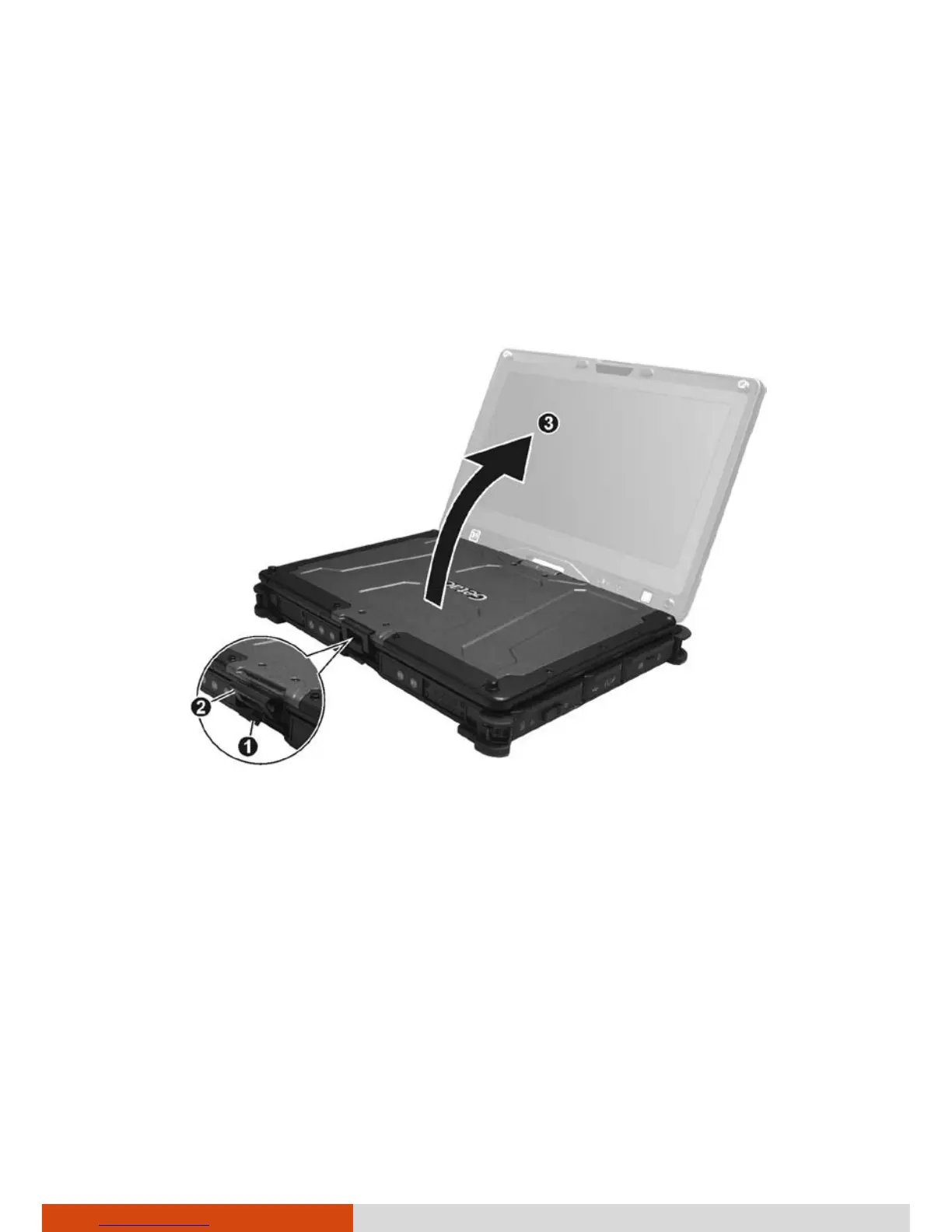
To open the top cover:
1. Pull loose the cover latch (
) and release the clamp ().
2. Lift up the cover (
). You can tilt the cover forward or backward for
optimal viewing clarity.
To close the top cover:
1. Close the display.
2. Lift the cover latch and engage the clamp on the display. Then, push in
the cover latch to click it into place.



 To Next Page