6-2
Using Getac Software
OSD Control Panel
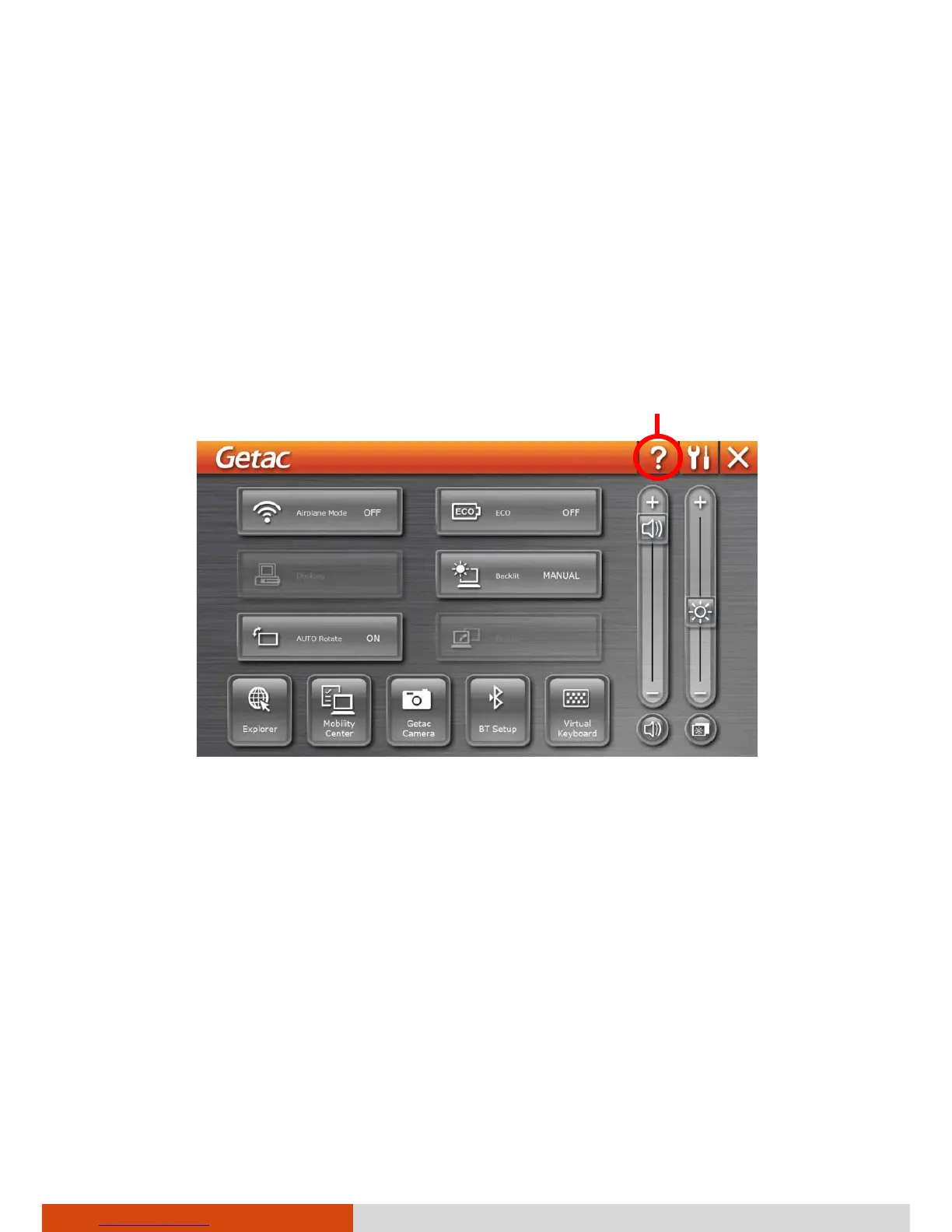
The OSD (On Screen Display) Control Panel provides a user-friendly interface
for you to quickly activate or operate certain functions on your computer
with a simple tap of the screen.
To open the OSD Control Panel, start the program named OSDC. If you have
a Windows 7 model, you can also press the Windows Logo button on your
computer to open it. The following screen appears.
For detailed information on the program, see the program’s online help.
Help



 To Next Page