6-6
Using Getac Software
Getac Smart Tag (Optional)
If your model has the RFID reader/writer module, you can use Getac Smart
Tag to read UID numbers from RFID tags (14443-A, 14443-B, and 15693
types).
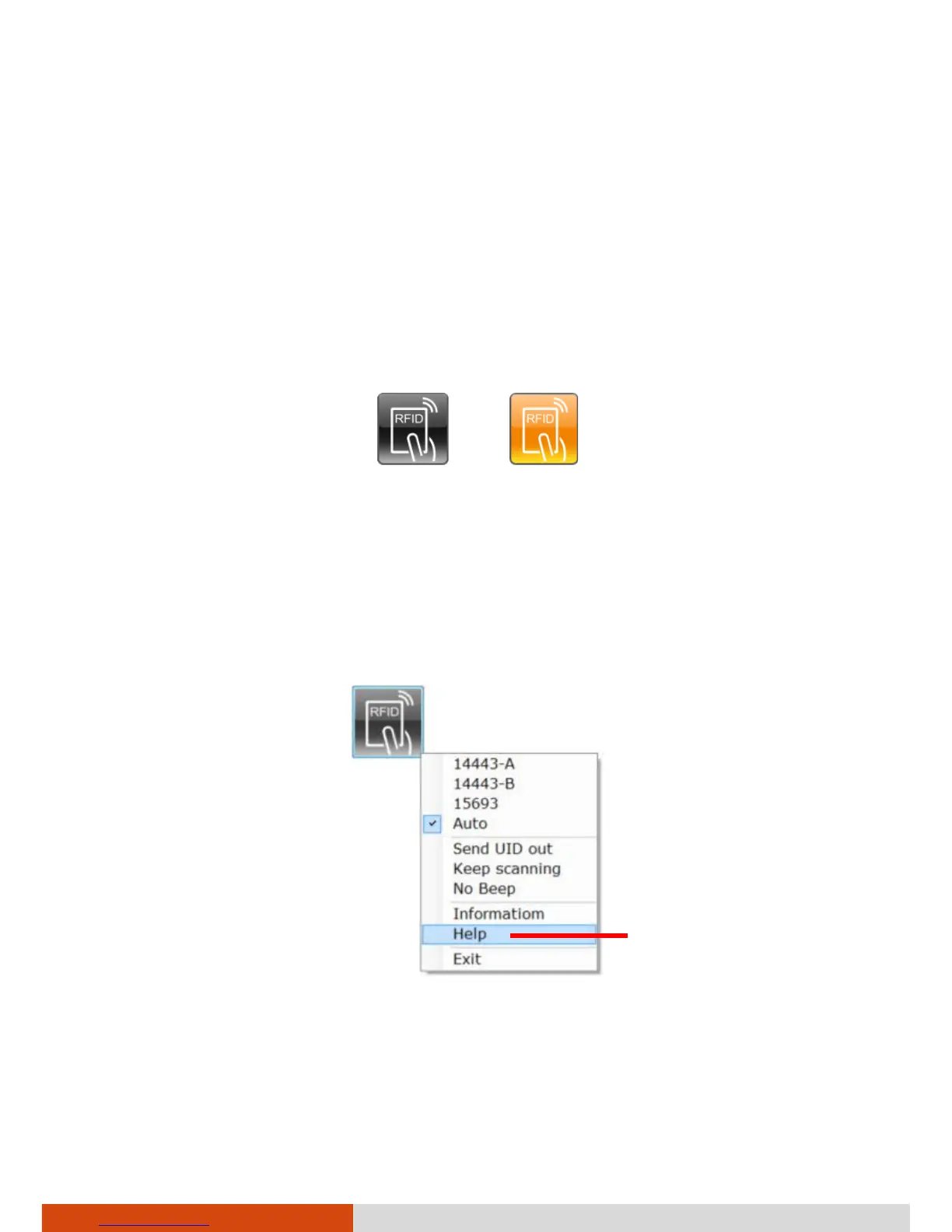
Start Getac Smart Tag. The Getac Smart Tag floating button appears and is
always on top of the screen. Tap the floating button to start scanning. While
scanning is in progress, the button’s color is orange.
Idle Scanning
NOTE: For optimal results when reading an RFID tag, have the tag face the
antenna in the same orientation as indicated by the icon on the exterior of
the computer. For your model, the icon shows a horizontal position.
To configure the program, open the options menu by tapping and holding
the floating button.
For detailed information on the program, see the program’s online help.



 To Next Page