ExpressCard
Slot
Accepts an ExpressCard for additional
functions.
P. 4-7
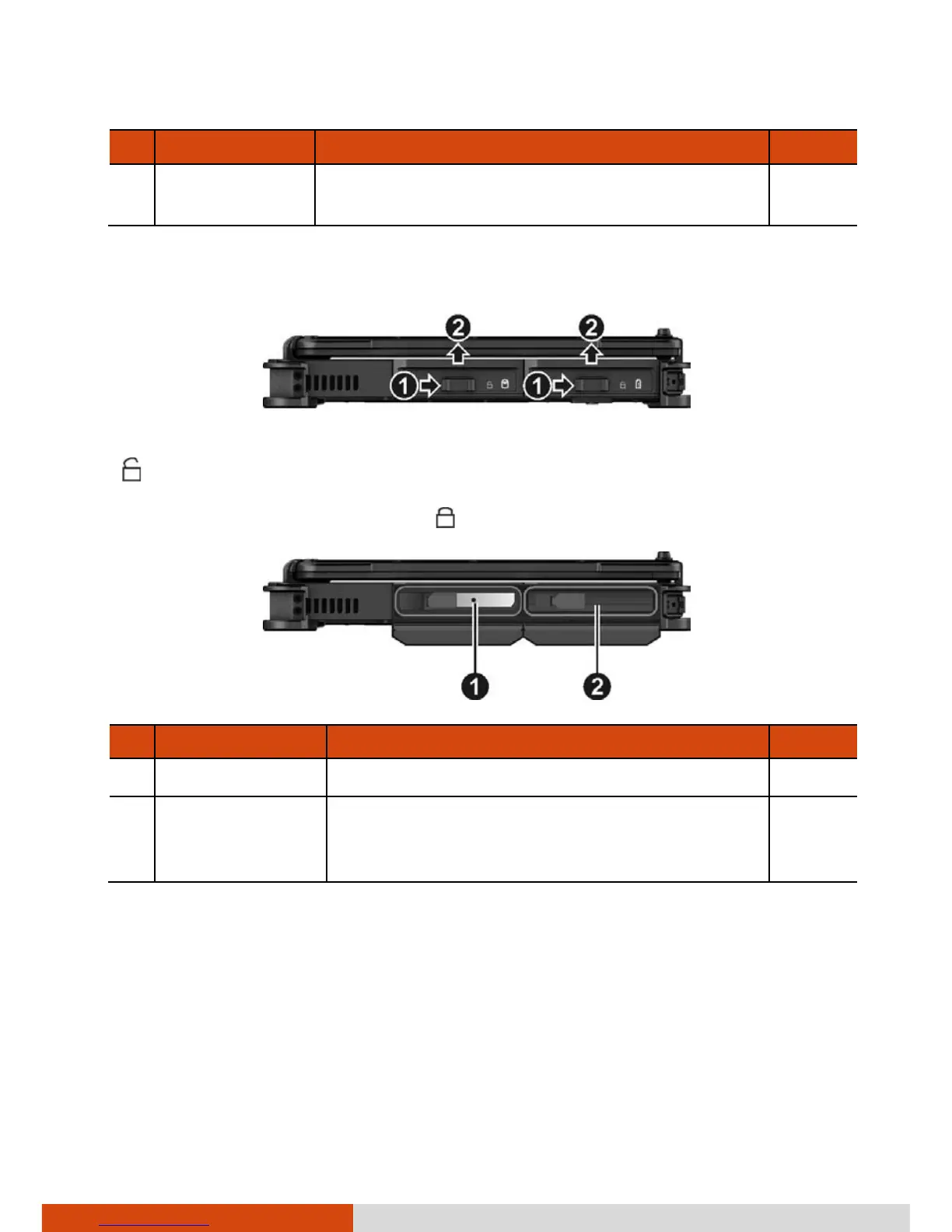
Left-Side Components
To access a device bay, slide the cover latch toward the unlocked position
( ) and then lift up the tab to release the cover. When closing the cover,
push the tab downward until the cover clicks into place and then slide the
latch toward the locked position ( ).
Ref Component Description See Also
Hard Disk Drive Inside is the hard disk drive. P. 4-9
Battery Pack
Inside is the battery pack (Battery 1) that
supplies power to your computer when
external power is not connected.
P. 3-3



 To Next Page