Using Getac Software 6-5
Getac Camera (Optional)
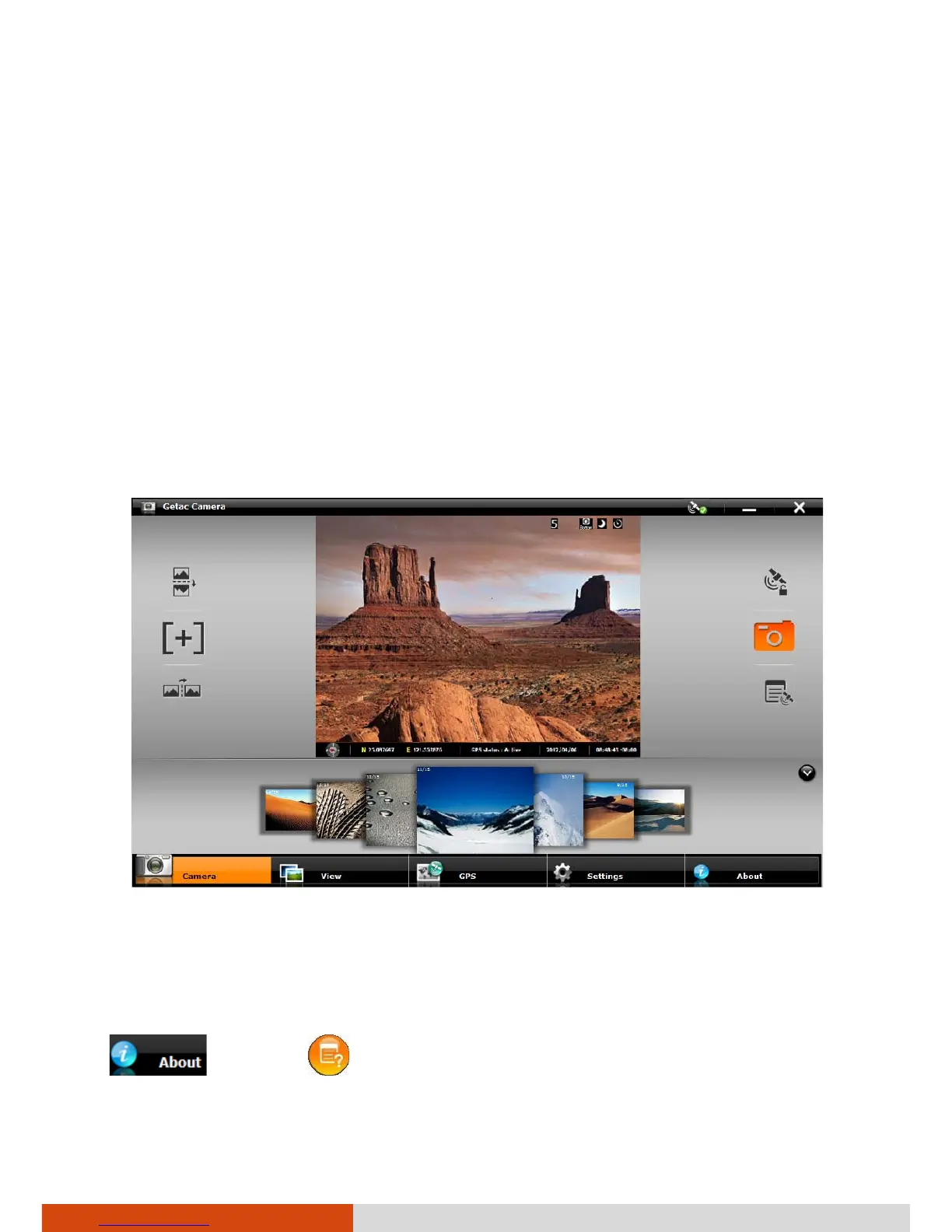
Getac Camera is a geo-tagging camera program, which allows you to stamp
geographical information on photos as watermarks and embed such
information into JPEG files as EXIF 2.2 metadata.
NOTE:
Getac Camera works with Virtual-GPS (a separate application
program).
Before starting Getac Camera, close any other program that uses the
camera; otherwise, Getac Camera can only provide limited functions.
Start Getac Camera. The Getac Camera window appears as shown below.
The GPS positioning will be automatically activated. When the GPS
positioning is completed, you will see the geographical information in the
watermark area on the image.
For detailed information on the program, see the program’s online help. Tap
and then .



 To Next Page